
Using self-hosted analytics platforms has become a trend because businesses want more privacy and control over their data.
Table of Contents
Self-hosted platforms allow you to store data on your own server and control it without the intervention of any third-party infrastructure.
Self-hosted tools offer various features at different prices, and you might face difficulty when choosing one, especially if you’re a beginner.
In this blog post, we’ll help you learn about self-hosted platforms and their benefits for privacy-first websites. Also, we’ll introduce the best self-hosted web analytics tools in 2026.
Why Use Self-Hosted Analytics Platforms
First, let’s see why you have to use a self-hosted analytics platform instead of traditional platforms:
1. Ownership of your data
When you use a self-hosted analytics tool, all your site’s visitor data will be stored on infrastructure you control.
So, the platform doesn’t send any data to any third-party provider. This way, you have full ownership of your analytics data, which allows you to determine:
- The server for data storage
- The processing method
- The duration of data retention
2. Privacy & compliance
Self-hosting is a great way to make privacy compliance much easier. Data protection and privacy regulations like GDPR and CCPA enforce strict rules on data collection, storage, and retention.
When you use self-hosted analytics, you can take control of data processing and make sure that everything complies with these regulations.
3. Long-term cost-effectiveness
Cloud analytics providers usually charge based on monthly pageviews, tracked events, or active users. So, when your site’s traffic grows, subscription costs increase.
Self-hosted platforms, on the other hand, usually align with your server resources. So, in the long-term, they’re more cost-effective for growing websites.
4. Transparency using open source
Many self-hosted web analytics solutions are open source. This allows developers to review the source code and verify privacy practices.
Moreover, it’s possible to contribute improvements through communities and customize functionality. This transparency is not available when you use proprietary analytics platforms.
5. Customization
Self-hosted platforms let you control the hosting environment and customize it. It’s possible to integrate internal tools, build custom reports, and automate workflows.
Moreover, you can improve functionality using APIs or plugins, which is valuable for development teams and larger organizations.
6. Security
Many third-party providers are secure, but there are still uncertainties. Self-hosted analytics can improve the security of your data because you control it and you’re responsible for your visitors’ data. Although your tasks will be more difficult compared to cloud services, you can take measures according to your requirements.
7. Better performance control
Self-hosted platforms usually use lightweight tracking scripts. This can reduce reliance on third-party requests and the impact on the performance of your site. You can take care of server configuration, caching, and database optimization to improve performance.
8. No vendor lock-in
Migrating from your current platform to another one will be much easier when you use self-hosted analytics. The reason is that you own both the infrastructure and the collected data.
How to Choose a Suitable Self-Hosted Web Analytics Tool
As each self-hosted tool might offer a different set of features, you need to know what you want before choosing one.
Remember that if you select the wrong platform, you’ll face problems in the future. Here is what we considered when listing the best self-hosted web analytics tools:
- Docker support: Simplifies deployment and upgrades
- Resource usage: Determines hosting costs
- Cookie-free tracking: Improves visitor privacy
- GDPR features: Helps support regulatory compliance
- Event tracking: Measures important user interactions
- Funnels: Optimizes conversions
- Heatmaps: Visualizes user behavior
- Session recordings: Reveals usability issues
- API availability: Enables automation and integrations
- WordPress compatibility: Simplifies installation and integration
- Open-source license: Provides transparency and flexibility
- Pricing: Affects your budget
12 Top Self-Hosted Analytics Tools in 2026
Here are the best self-hosted analytics platforms you can use for tracking your site without violating privacy rules:
| Tool | Open Source | Cookie-Free | Advanced Analytics | Self-Hosted Price |
| WP Statistics | ✅ | ✅ | ⭐⭐⭐⭐ | Free / Paid |
| Matomo | ✅ | ✅ | ⭐⭐⭐⭐⭐ | Free / Paid |
| Umami | ✅ | ✅ | ⭐⭐⭐ | Free / Paid |
| Plausible | ✅ | ✅ | ⭐⭐⭐ | Free self-hosting |
| PostHog | ✅ | Optional | ⭐⭐⭐⭐⭐ | Free / Usage-based |
| GoatCounter | ✅ | ✅ | ⭐⭐ | Free |
| Ackee | ✅ | ✅ | ⭐⭐ | Free |
| OpenPanel | ✅ | ✅ | ⭐⭐⭐⭐ | Free |
| Swetrix | ✅ | ✅ | ⭐⭐⭐⭐ | Free / Paid |
| Rybbit | ✅ | ✅ | ⭐⭐⭐ | Free / Paid |
| Litlyx | ✅ | ✅ | ⭐⭐⭐ | Free / Paid |
| Betterlytics | ✅ | ✅ | ⭐⭐⭐ | Free / Paid |
1. WP Statistics
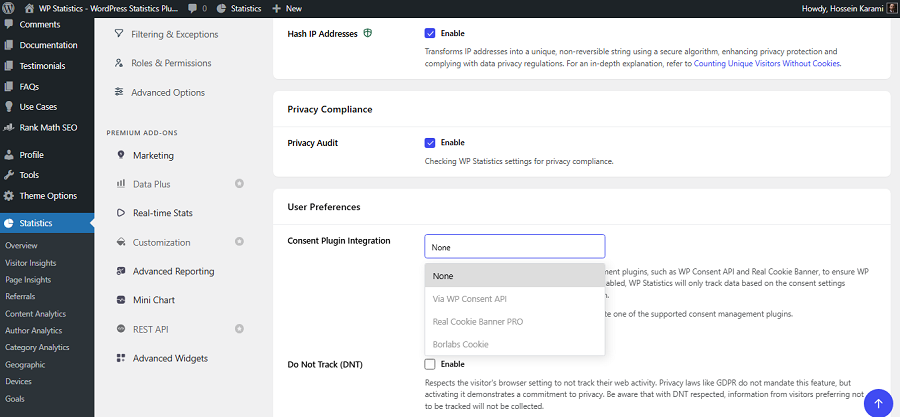
WP Statistics is one of the most popular analytics plugins for WordPress. Although it’s not a standalone analytics platform, it stores data directly on your WordPress database without third-party involvement.
This is so beneficial because you have the best of two worlds:
- Your data remains under your control
- Installation and configuration are much easier than standalone self-hosted tools
This plugin focuses on privacy and compliance with regulations like GDPR and CCPA. As a result, it doesn’t use cookies and avoids user profiling and cross-site monitoring.
Apart from privacy, WP Statistics offers advanced and accurate features, like campaign analytics, custom event tracking, visitor journeys, and author analytics.
So, you can use it as a reliable Google Analytics alternative and stay compliant. WP Statistics is great for small and medium-sized businesses that respect privacy and want GA4-like accuracy.
Key Features of WP Statistics
- Real-time visitors
- Custom events
- Visitor journeys
- Cookie-free tracking
- GDPR toolkit
- REST API
- Campaign tracking
- CSV/XML export
- Device & location reports
- Google Search Console Analytics
Pricing of WP Statistics
| Plan | Sites | Annual | Features | Best For |
| Free | 1 site | Free | Core analytics | Personal sites |
| Premium | 1 site | $119/year | Advanced reports, events, API | Professional blogs |
| 5 sites | $249/year | Multi-site management | Agencies | |
| Unlimited | $449/year | Up to 100 sites | Large agencies |
Pros of WP Statistics
✅ Extremely easy WordPress integration
✅ No external analytics server
✅ Cookie-less tracking
✅ Strong GDPR support
✅ Visitor journey reports
Cons of WP Statistics
❌ WordPress only
❌ Large databases on high-traffic sites
❌ Advanced capabilities are Premium
2. Matomo
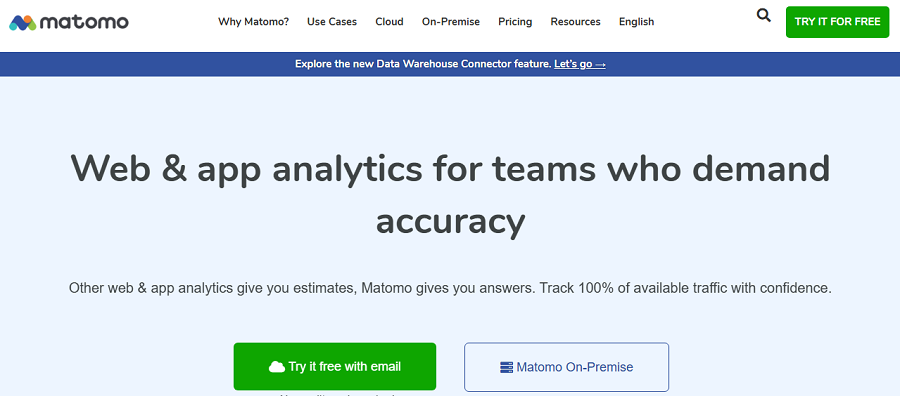
Matomo is a famous Google Analytics alternative that offers advanced features in both Cloud and On-Premise options.
Its self-hosted edition is free to deploy on your own server. Also, cloud hosting options are available for teams that prefer managed operations.
Matomo is an open-source analytics tool that provides a complete analytics suite for large organizations, governments, and enterprises.
It provides everything from event tracking and ecommerce analytics to heatmaps and session replay.
If you have an enterprise or a growing business that cares about privacy and data ownership, Matomo is your best chance.
Key Features of Matomo
- Real-time analytics
- Goals
- Ecommerce
- Events
- Funnels
- Tag Manager
- Heatmaps
- Session Recording
- API
- Custom Reports
- GDPR tools
Pricing of Matomo
| Plan | Deployment | Monthly | Annual | |
| Community | On-Premise | Free | Free | |
| Team | €275 | €230/month (annual billing) | ||
| Business | €1,450 | €1,209/month (annual billing) | ||
| Enterprise | €3,400 | €2,834/month (annual billing) | ||
| VIP | Custom | Custom | ||
| Business | Cloud | 300K hits | €75 | €750 (2 months free) |
| 1M hits | €172 | €1720 (2 months free) | ||
| Enterprise | Cloud | Custom | Custom | |
Pros of Matomo
✅ Complete GA4 alternative
✅ Free self-hosted edition
✅ Rich plugin ecosystem
✅ Extensive reporting
✅ Enterprise-ready
Cons of Matomo
❌ Heavier infrastructure requirements
❌ Expensive
❌ Steeper learning curve
3. Umami
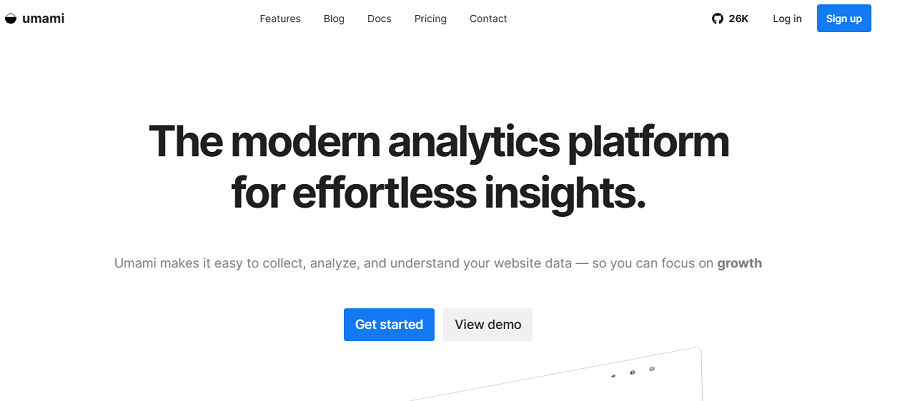
Umami is an open-source analytics platform that prioritizes simplicity and privacy. It has a simple and clean dashboard without the complexity of enterprise analytics suites.
Umami is an attractive option for developers and DevOps teams who want to focus on essential metrics.
It offers features like page views, visitors, referrers, devices, and events. It also supports custom event tracking and multiple websites from a single installation.
Umami can operate without cookies and help you reduce consent-banner requirements without sacrificing the accuracy of analytics.
Although it doesn’t offer advanced behavioral analysis, such as heatmaps and session replay, it is still a reliable self-hosted platform.
Key Features of Umami
- Real-time reports
- Pageviews & visitors
- Custom events
- Cookie-free tracking
- Multi-site support
- UTM campaign tracking
- API
- User management
- Data export
- WordPress integration
- Docker deployment
Pricing of Umami
| Plan | Monthly Price | Included Usage | Best For |
| Hobby | Free | 100,000 events/month | Personal websites and hobby projects |
| Pro | $20/month | 1 million events/month | Startups and growing businesses |
| Business | $200/month | 10 million events/month | Agencies, ecommerce stores, and SaaS companies |
| Enterprise | Custom Pricing | Custom | Large organizations and enterprises |
Pros of Umami
✅ Lightweight and fast
✅ Fully open source
✅ Cookie-free by default
✅ Clean dashboard
✅ Easy Docker deployment
✅ Multi-site management
✅ REST API available
✅ Minimal resource requirements
Cons of Umami
❌ No heatmaps
❌ No session replay
❌ Limited ecommerce analytics
❌ No advanced reports
4. Plausible Analytics
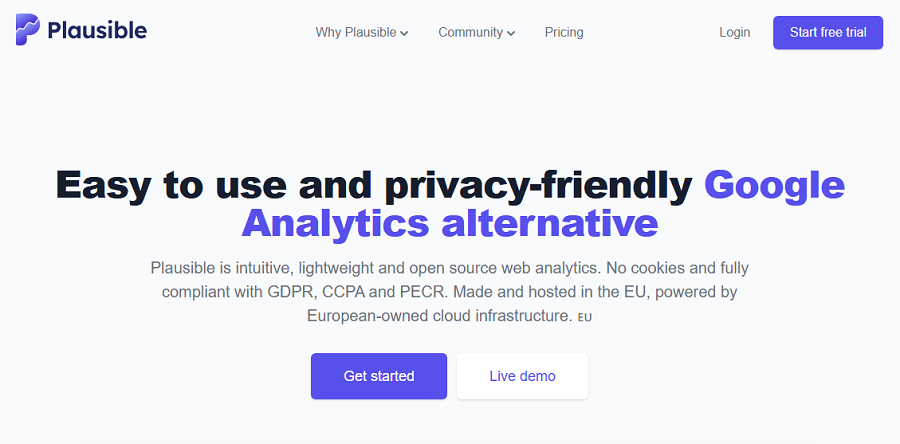
Plausible Analytics is one of the most famous privacy-first alternatives to Google Analytics.
If you’re looking for simplicity and transparency along with self-hosted analytics, it’s a great choice for you.
Plausible provides a user-friendly dashboard with all essential traffic metrics without invasive tracking methods like cookies.
Plausible does not build advertising profiles from visitors’ personal data or even collect personally identifiable information.
These approaches make Umami GDPR-compliant by default and gain the trust of users. The important thing is that Plausible is known for its hosted cloud offering. However, its analytics engine is open source, and you can self-host it using Docker.
The self-hosted version is really popular among developers who want to own their analytics data. Of course, Plausible doesn’t offer advanced analytics features like product analytics or heatmaps & session replays.
Key Features of Plausible Analytics
- Real-time dashboard
- Goals & conversions
- Custom events
- Campaign tracking
- Referrer reports
- Cookie-free analytics
- API
- CSV export
- Multi-site support
- Team members
- Docker support
- WordPress integration
Pricing of Plausible Analytics
| Plan | 10k Monthly Pageviews | 1M Monthly Pageviews | Highlights | ||
| Monthly | Yearly | Monthly | Yearly | ||
| Starter | €9 | €90 | €69 | €690 | 1 site, Reports, Goals & Events |
| Growth | €14 | €140 | €104 | €1,040 | 3 sites, Team Collaboration, Shared Dashboards |
| Business | €19 | €190 | €139 | €1,390 | 10 sites, API, Funnels, Ecommerce Analytics |
Pros of Plausible Analytics
✅ Beautiful dashboard
✅ Extremely privacy-friendly
✅ Cookie-free analytics
✅ Open source
✅ Excellent documentation
✅ Lightweight tracking script
✅ Easy migration from Google Analytics
Cons of Plausible Analytics
❌ No heatmaps
❌ No session recordings
❌ Limited behavioral analysis
❌ Less suitable for complex SaaS analytics
5. PostHog
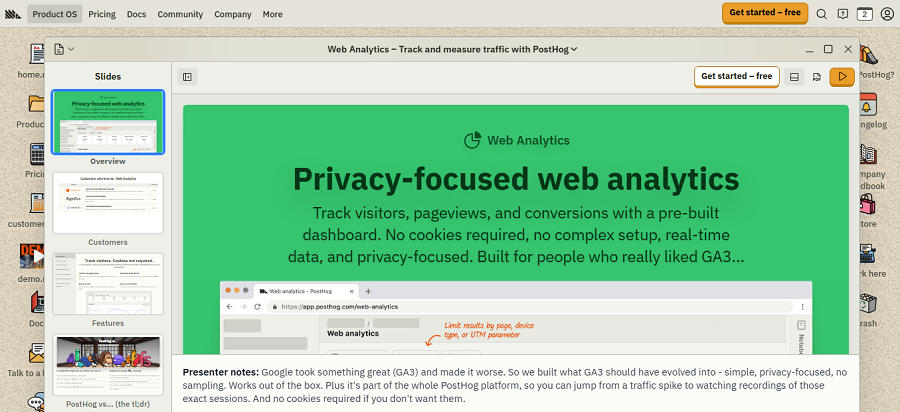
PostHog is a special self-hosted analytics platform on our list. It doesn’t solely focus on website traffic, but it provides a complete product analytics platform.
This is perfect for software companies that want to track the performance of their products and analyze what’s working and what is not performing well.
It offers advanced analytics features like user journey analytics, funnels, retention analysis, feature flags, A/B tests, and application performance.
Also, it provides great visualization features like session recordings to complete its capabilities.
PostHog offers a self-hosted edition that is fully open source for many core capabilities, and you can deploy it using Docker or Kubernetes. Of course, you need to consider the fact that PostHog needs significant infrastructure. So, it’s usually suitable for large companies that are building data-driven products.
Key Features of PostHog
- Real-time analytics
- Product analytics
- Funnels
- Session recording
- Heatmaps
- Feature flags
- A/B testing
- User journeys
- Cohort analysis
- Data warehouse integration
- API
- Docker & Kubernetes
Pricing of PostHog
| Plan | Price | Best For | Main Features |
| Free | Generous usage limits | Startups | Core platform |
| Paid Usage | Consumption based | Growing SaaS | Advanced scaling |
| Enterprise | Custom | Large teams | Security and support |
Pros of PostHog
✅ Enterprise-grade analytics
✅ Heatmaps included
✅ Session replay
✅ Product analytics
✅ Feature flags
✅ A/B testing
✅ Excellent developer tools
✅ Highly extensible
Cons of PostHog
❌ Resource-intensive
❌ Steeper learning curve
❌ Overkill for simple blogs
❌ Needs operational expertise
6. GoatCounter
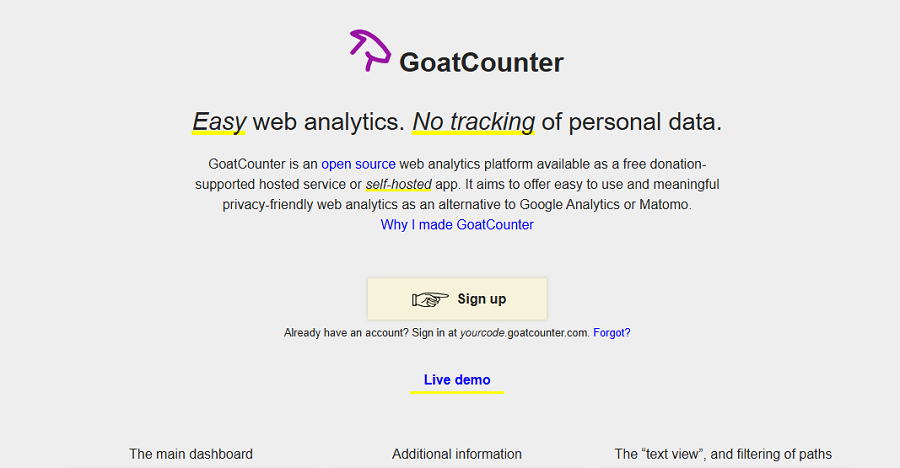
GoatCounter offers free lightweight traffic insights with no installation or configuration complexity.
It’s one of the simplest self-hosted analytics platforms out there that focuses on essential metrics most site owners need to check daily.
It shows page views, referrers, browsers, devices, and visitor trends without violating privacy and data protection regulations.
GoatCounter loads quickly and uses a small tracking script to reduce the performance impact and improve user experience. Moreover, it doesn’t require huge server resources, even on inexpensive VPS instances.
Overall, GoatCounter is great for various types of websites, like personal blogs, technical documentation sites, open-source projects, and independent developers.
However, if you expect advanced behavioral analytics such as funnels or session recordings, you have to look for another tool.
Key Features of GoatCounter
- Live visitors
- Referrer tracking
- Cookie-free analytics
- API
- CSV export
- Multiple sites
- Docker
- Self-hosting
Pros of GoatCounter
✅ Very lightweight
✅ Free
✅ Excellent privacy
✅ Cookie-free
✅ Simple interface
✅ Low server requirements
✅ Easy deployment
Cons of GoatCounter
❌ No funnels
❌ No heatmaps
❌ No session replay
❌ Limited ecommerce reporting
7. Ackee
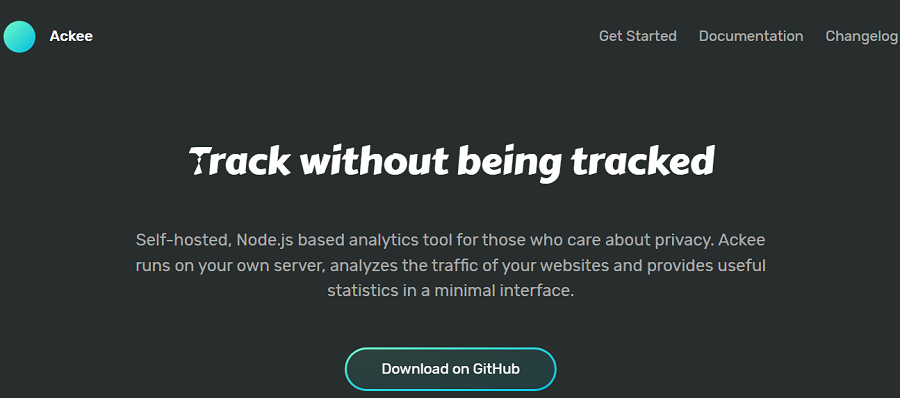
Ackee is another free self-hosted analytics tool that offers open-source services. It’s especially great for developers and offers the most useful website metrics using a clean, responsive interface.
Moreover, it has a strong commitment to privacy. As a result, it anonymizes visitor data and avoids storing personally identifiable information.
Ackee also supports self-hosting through Docker, which provides a simple deployment. The good news is that it offers an API that allows custom integrations with a lightweight JavaScript tracker that minimizes its performance impact.
Key Features of Ackee
- Real-time visitors
- API
- Cookie-free tracking
- Multi-site support
- Docker deployment
- REST API
- Self-hosting
Pros of Ackee
✅ Fully open source
✅ Completely free
✅ Excellent privacy
✅ Lightweight
✅ Easy Docker deployment
✅ Simple dashboard
Cons of Ackee
❌ Limited reports
❌ No funnels
❌ No session recordings
❌ Small ecosystem
8. OpenPanel
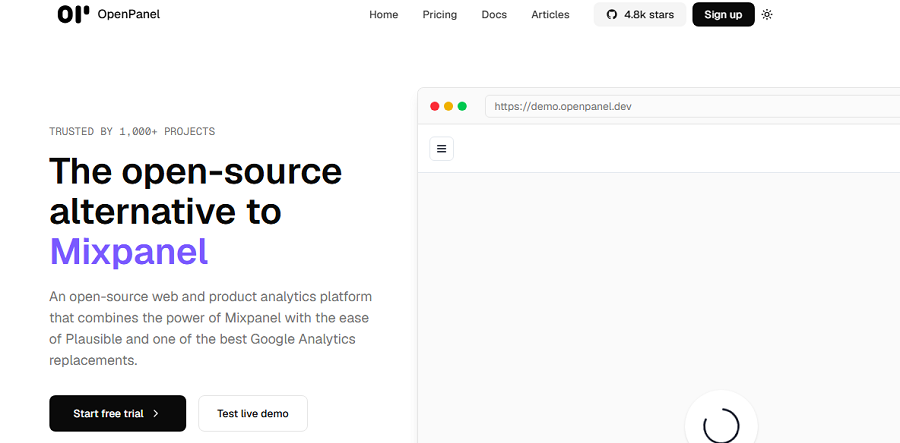
OpenPanel is a new but modern web analytics tool that provides both cloud and self-hosted options. It has attracted attention because of its modern design and developer-first features.
OpenPanel provides a complete web and product analytics suite that gives you deep insights into your site’s user behavior.
You can consider it a great alternative to GA4 that uses a privacy-conscious approach and offers advanced features, like event tracking, user identification (when desired), funnels, segmentation, and customizable dashboards.
If you’re running a startup or engineering team and looking for lightweight website analytics with advanced product analytics, OpenPanel is a great option for you.
Key Features of OpenPanel
- Event tracking
- Real-time analytics
- Funnels
- User journeys
- Segmentation
- API
- Multi-project support
- Docker
Pricing of OpenPanel
| Plan | Monthly Price | Annual Price | Best For | |
| Self-hosted | Free | Free | Developers & startups | |
| Cloud | 5K events | $2.5 | $25 (2 months free) | Teams |
| 500K events | $50 | $500 (2 months free) | ||
| 5M events | $250 | $2500 (2 months free) | ||
Pros of OpenPanel
✅ Modern interface
✅ Developer-friendly
✅ Product analytics
✅ Funnel analysis
✅ Event tracking
✅ Docker deployment
✅ Open source
Cons of OpenPanel
❌ Smaller community than Matomo
❌ Younger ecosystem
❌ Fewer third-party integrations
9. Swetrix
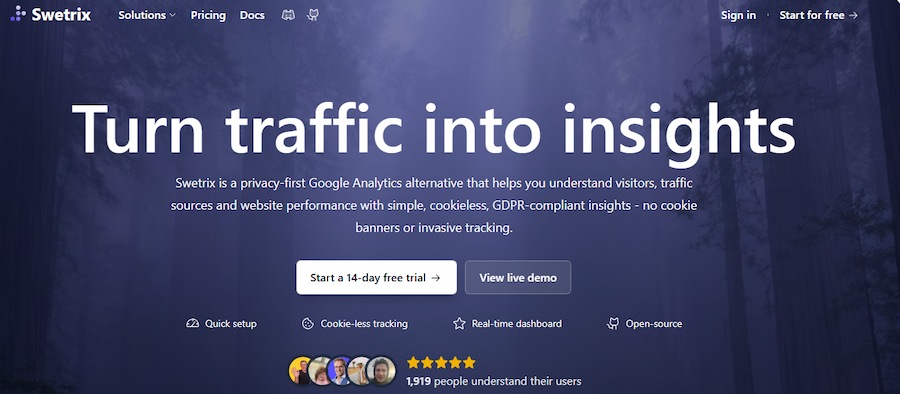
Swetrix is a modern privacy-focused analytics platform that combines lightweight website analytics with product analytics features.
It’s a great privacy-friendly alternative to Google Analytics that can be self-hosted or used as a managed cloud service.
Swetrix gives you the flexibility to choose the storage model that best fits your business and compliance requirements.
It offers custom events, error tracking, performance monitoring, funnels, uptime monitoring, and many other advanced services.
You can follow all these metrics using a clean dashboard without being overwhelmed with unnecessary complexity.
Despite many tools that sacrifice privacy to provide advanced features, Swetrix’s strongest aspect is privacy and compliance.
It uses a cookie-less tracking approach for website tracking and avoids collecting personally identifiable information. So, it’s GDPR-compliant by default.
Moreover, Swetrix provides developers with useful capabilities, like a well-documented API, JavaScript SDK, Docker deployment, and integrations with modern frameworks.
Unfortunately, Swetrix doesn’t offer some visual features, such as built-in heatmaps or session replay.
Overall, it’s great for startups, SaaS businesses, developers, and organizations that need more flexibility than lightweight analytics tools.
Key Features of Swetrix
- Real-time analytics
- Custom events
- Funnels
- Error monitoring
- API
- Data export
- Docker support
- Multiple websites
Pricing of Swetrix
| Plan | Price | Main Features | ||
| Monthly Pageviews | ||||
| 100K | 1M | 10M | ||
| Standard | $17 | $69 | $209 | Basic features |
| Plus | $35 | $159 | $539 | Advanced features for professional teams |
| Enterprise | Custom | All-in-one for enterprises | ||
Pros of Swetrix
✅ Modern dashboard
✅ Privacy-first design
✅ Cookie-free analytics
✅ Self-hosted and cloud options
✅ Docker deployment
✅ Event tracking and funnels
✅ Excellent developer documentation
Cons of Swetrix
❌ No built-in heatmaps
❌ No session replay
❌ Some advanced services need paid cloud plans
10. Rybbit
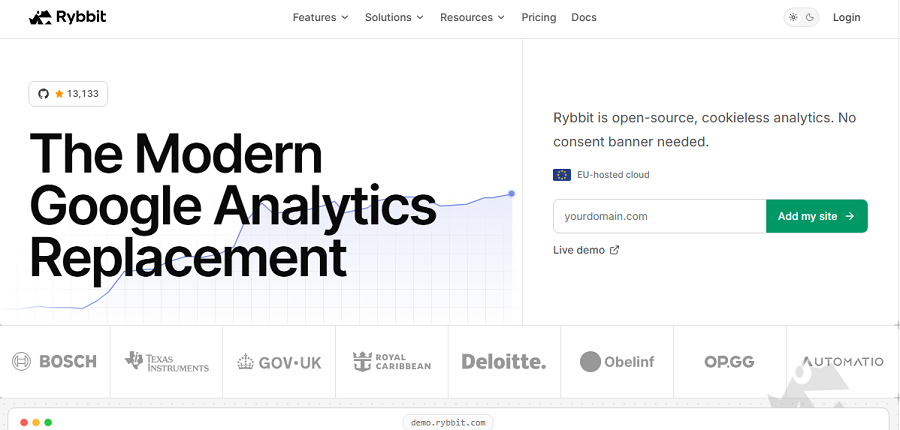
Rybbit is also a new tool in the realm of privacy-focused analytics. It focuses on the metrics that most website owners actually use, which is good for bloggers and developers.
This platform provides both a self-hosting option using Docker and a hosted service. The good news is that the installation is straightforward and requires only a few containers.
You can use it for real-time visitor statistics, traffic sources, page performance, custom events, and multiple website management.
Rybbit minimizes data collection and supports cookie-less tracking for standard analytics. So, you can count on it as a GDPR-friendly analytics platform without sacrificing usability.
Although it can’t compete with enterprise product analytics platforms, it covers the needs of most content websites and business sites.
Key Features of Rybbit
- Real-time visitors
- Custom events
- Cookie-free tracking
- API
- Multiple websites
- Export reports
- Docker deployment
Pricing of Rybbit
| Monthly Pageviews | Standard | Pro | Enterprise |
| 100K | $19/month $13/mo billed annually | $39/moor $26/mo billed annually | Custom |
| 1M | $69/month $46/mo billed annually | $139/moor $93/mo billed annually | Custom |
| 10M | $249/month $166/mo billed annually | $499/moor $333/mo billed annually | Custom |
Pros of Rybbit
✅ Lightweight architecture
✅ Easy Docker deployment
✅ Privacy-friendly tracking
✅ Simple interface
✅ Open-source project
Cons of Rybbit
❌ Small community
❌ No heatmaps
❌ No session replay
❌ Limited enterprise reporting
11. Litlyx

Litlyx is a lightweight open-source analytics platform suitable for developers who want simple website analytics without complexity.
Litlyx focuses on fast, privacy-friendly reporting with minimal server requirements. It also has Docker support to make deployment and installation on VPS providers, cloud servers, or home labs easy.
It has a clean dashboard and provides insights into visitors, page views, referrers, devices, countries, and custom events. It’s great to understand traffic patterns quickly without checking dozens of reports.
Litlyx minimizes data collection, supports cookie-free analytics, and avoids collecting unnecessary personal information.
This self-hosted analytics tool currently lacks advanced behavioral analytics such as session replay, heatmaps, and conversion funnels.
Key Features of Litlyx
- Real-time analytics
- Custom events
- Cookie-free tracking
- API
- Multiple websites
- Data export
- Docker support
Pricing of Litlyx
| Plan | Traffic | Monthly | Annual | Includes |
| Mini | 10K | €11.99 | €8.99 | 1 workspace + 1-year retention |
| Basic | 100K | €17.99 | €14.99 | 1 workspace + 2-year retention |
| Pro | 350K | €37.99 | €29.99 | 2 workspaces + advanced analytics |
| Launch | 1M | €67.99 | €59.99 | 10 workspaces + 5-year retention |
| Scale | 3M | €97.99 | €89.99 | 25 workspaces + 10-year retention |
| Enterprise | 5M+ | Custom | Custom | Unlimited retention + enterprise security |
Pros of Litlyx
✅ Lightweight and fast
✅ Open source
✅ Easy deployment
✅ Modern interface
✅ Privacy-focused
Cons of Litlyx
❌ Limited advanced analytics
❌ No session replay
❌ No heatmaps
❌ Smaller ecosystem
12. Betterlytics
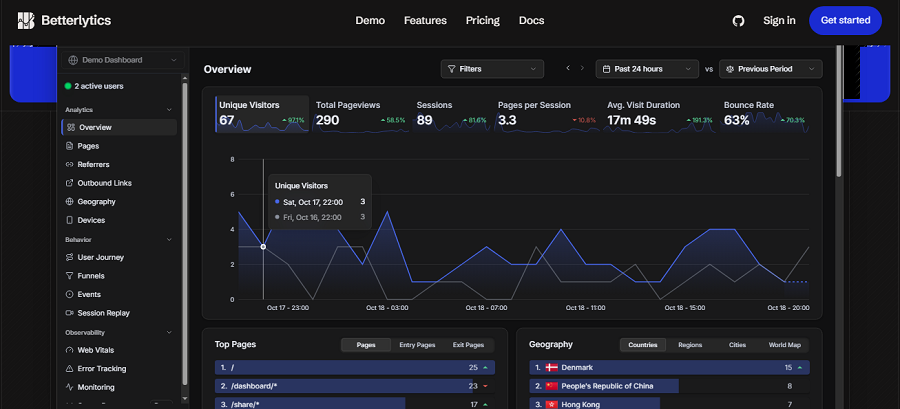
Last but not least, Betterlytics is a modern self-hosted analytics platform that emphasizes privacy and simplicity.
It’s a lightweight Google Analytics alternative that provides the most useful website metrics through a clean dashboard. It avoids unnecessary tracking and excessive data collection.
Betterlytics offers both self-hosting with Docker and an easy installation process. It’s great for developers and small business owners who want to monitor visitors, traffic sources, popular pages, devices, countries, custom events, and real-time activity.
Betterlytics has a privacy-first approach and supports cookieless tracking. Moreover, it minimizes the collection of personally identifiable information to ensure compliance.
Key Features of Betterlytics
- Real-time analytics
- Custom events
- Cookie-free tracking
- Multiple websites
- API
- Data export
- Docker support
Pricing of Betterlytics
| Plan | Price | Best For | ||
| Monthly Events | ||||
| 10K | 1M | 5M | ||
| Growth | Free | $59 | $129 | Small & personal websites |
| Professional | $7 | $89 | $194 | Growing businesses |
| Enterprise | Custom | Custom | Custom | Complete solution |
Pros of Betterlytics
✅ Easy to deploy
✅ Lightweight
✅ Privacy-first architecture
✅ Modern dashboard
✅ Open-source
Cons of Betterlytics
❌ No heatmaps
❌ No session recordings
❌ Limited advanced product analytics
❌ Smaller community than mature projects
Conclusion
Self-hosted analytics is a trend and essential for businesses that respect privacy and data protection regulations. Choosing the right self-hosted tool might be difficult for beginners and small businesses.
You need to consider multiple factors like features, privacy, cost, and support. We introduced the 12 top self-hosted analytics tools to help you find the best one for your business.
FAQs
What is a self-hosted analytics tool?
A self-hosted analytics tool lets you own your analytics data without relying on third-party providers.
What’s the best privacy-first analytics tool?
WP Statistics is one of the best Google Analytics alternatives that offers privacy-focused services. Of course, other tools like Matomo and Plausible are popular among website owners.
Is self-hosted analytics necessarily GDPR-compliant?
No! You have to consider other requirements like cookies, cross-site tracking, duration of data storage, and security.