

Use cookieless tracking plugins to stay compliant.
Table of Contents
Traditional tracking platforms save a small piece of file in users’ browsers to collect, store, and analyze their behavior.
This is against data protection and privacy rules, especially in Europe. You should not collect personal data or track users across websites.
Also, you can not use people’s personal information for monetization or targeted marketing purposes.
That’s why cookie-free analytics tools emerged. In this blog post, we’ll explain the benefits of cookieless tracking and introduce the 10 best cookie-free analytics plugins for WordPress sites in 2026.
What is Cookie-Free Analytics?
Cookie-free analytics is a method of tracking your website performance without storing cookies in visitors’ browsers.
Cookie-based platforms are invasive tools that store Personally Identifying Information and violate privacy rules. Cookie-free analytics tools use anonymized, aggregated, or session-based data to measure important metrics like traffic and behavior.
Traditional analytics systems such as Google Analytics rely on cookies for user tracking. On the contrary, cookieless plugins focus on privacy-first techniques.
Cookie vs Cookie-Free: Key Differences
Cookies impact many aspects of website ownership, so you have to be careful about them. Look at the following table to learn what changes happen when you use cookie-free tracking methods:
| Feature | Cookie-Based Analytics | Cookie-Free Analytics |
| User Identification | Persistent visitor IDs | No persistent IDs |
| GDPR Compliance | Consent required | Often consent-free |
| Data Accuracy | Detailed user-level data | Aggregated insights |
| Returning Visitor Tracking | Supported | Limited or unavailable |
| Cross-Session Tracking | Full tracking | Minimal tracking |
| Performance Impact | Heavier scripts | Lightweight scripts |
| Page Load Speed | Higher overhead | Faster loading |
| Privacy Risk | Higher | Lower |
| Data Collection | Extensive user data | Minimal data collection |
| Data Ownership | Often third-party storage | Often self-hosted |
| Consent Banner | Usually required | Often not required |
| Marketing Attribution | Advanced attribution | Basic attribution |
| Audience Profiling | Supported | Not supported |
| Storage Location | Browser + server | Server-side only |
| Security Exposure | Higher compliance risk | Lower risk |
| Best For | Marketing and advertising | Privacy-focused websites |
Overall, cookie-free tracking is best for websites that respect privacy or work with sensitive data. On the other hand, marketing and advertising websites still need to use cookies to have deeper insights into users’ behaviors.
Benefits of Cookie-Free Analytics
- Strong compliance with GDPR and global privacy laws
- Faster website performance because of lightweight scripts
- No cookie banners
- Improving user trust and transparency
- Ideal for content sites, blogs, and small businesses
How to Choose a Cookie-Free Analytics Plugin for WordPress?
Now, let’s see how to choose suitable cookieless analytics plugins for your websites. Here are the factors you have to consider:
- Privacy compliance: Complying with GDPR, CCPA, ePrivacy, etc.
- Data accuracy: Providing reliable traffic insights without cookies
- Ease of use: Simple setup and clear dashboards
- Performance impact: Lightweight scripts that do not slow down your site
- Hosting type: Self-hosting is better than cloud
- Pricing: Diverse plans for businesses of all sizes
10 Top Cookie-Free Analytics Plugins for WordPress in 2026
Here is the list of the best analytics plugins that track WordPress websites’ performance using cookie-less tracking methods:
1. WP Statistics
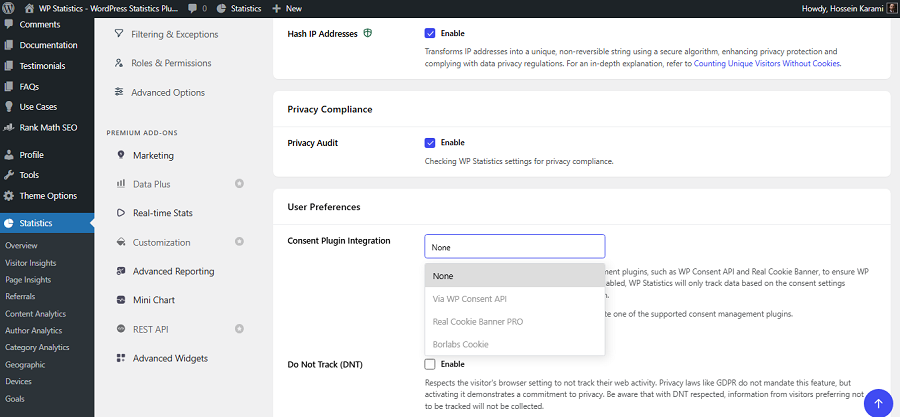
WP Statistics is a famous analytics plugin for WordPress websites. It offers privacy-focused tracking services without using cookies and is one of the best GA4 alternatives.
If you want full control over your website’s data and prevent platforms from monetizing your users’ information, WP Statistics is your best choice.
WP Statistics stores all your analytics data directly within your WordPress database. It’s GDPR-compliant by default and offers many customizable features like hashing IPs and
They have recently added a separate Privacy Audit feature to WP Statistics that helps you check WP Statistics plugin settings and improve privacy.
The good news is that although WP Statistics is cookie-free, it offers accurate insights into your site’s performance and your users’ behavior.
Moreover, it offers some details that even GA4 doesn’t offer. For example, you can check the performance of your content writers using the Author Analytics feature.
Also, its Link Tracker, Internal Search Analytics, and Custom Event features are greatly helpful for SEO professionals and marketers.
Key Features of WP Statistics
- Visitor insights
- Real-time analytics dashboard
- Referrer and search keyword tracking
- Geo-location reporting
- Fully self-hosted data storage
- Author analytics
- Campaign builder
- Content analytics
- Google Search Console Integration
Pricing of WP Statistics
| Plan | Price/year | Features | |
| Free | $0 | Basic analytics features | |
| Premium Add-ons | $39 | 1 Site | Data Plus, Real-Time Stats, Marketing, Advanced Reporting, and Mini Chart |
| $99 | 5 Sites | ||
| $199 | Unlimited | ||
| Agency | $119 | 1 Site | All features, add-ons, and integrations. |
| $249 | 5 Sites | ||
| $449 | Unlimited | ||
Pros of WP Statistics
- Fully self-hosted and privacy-friendly
- No need for cookie consent
- Easy WordPress integration
- GDPR-friendly configuration
- 14-day money-back guarantee
Cons of WP Statistics
- Add-ons are expensive
- Not available for non-WordPress websites
2. Matomo
Matomo Analytics is one of the most powerful privacy-focused analytics platforms in the world. You can use it as a standalone platform or a WordPress plugin on your dashboard.
This is a premium cookie-free analytics tool suitable for organizations and large businesses, especially those that work with sensitive data.
Matomo can be considered the closest ethical alternative to Google Analytics because it provides almost every metric you need without violating privacy rules.
A great option Matomo offers is that you can choose between a cloud service or self-hosting directly within your server.
It has a diverse pricing package that allows you to choose from features and hosting options depending on your requirements.
Key Features of Matomo
- Cookieless tracking mode
- Heatmaps and session recordings
- Goal and conversion tracking
- GDPR compliance tools built in
- Self-hosted or cloud deployment
- Advanced segmentation
Pricing of Matomo
| Plan | Price/month | Features |
| Self-hosted | €0 | Basic features, hosting required |
| €33 – €219 | Payment per feature | |
| Cloud Starter | €22 | 50,000 hits per month |
| €172 | 1 million hits per month | |
| Enterprise | Custom | Advanced support, scaling, and compliance tools |
Pros of Matomo
- Extremely feature-rich
- Strong privacy compliance
- Highly customizable
Cons of Matomo
- Setup is complex
- Requires server resources if you choose self-hosted
- Payment for the enterprise is not transparent
- Too expensive for small businesses
3. Koko Analytics
Koko Analytics is a lightweight WordPress analytics plugin that is famous for simplicity and privacy. It is fully cookie-free and offers essential metrics without unnecessary complexity or personal data collection.
Unlike heavy analytics platforms like GA4, Koko Analytics stores minimal data. As a result, it runs efficiently on your server even if you have limited hosting resources.
This is ideal for bloggers, small business owners, and minimalist websites that only need basic traffic insights.
It has zero external dependencies, and this has increased its popularity in 2026. If you need a simple but GDPR-compliant analytics tool, this is your best chance.
Key Features of Koko Analytics
- Fully cookie-free tracking
- Lightweight performance impact
- Real-time visitor counts
- Referrer tracking
- Self-hosted data storage
Pricing of Koko Analytics
| Plan | Annual Price | Best For |
| Single | €59/year | Individuals managing a single website |
| Multi ⭐ | €99/year | Small businesses with multiple websites |
| Agency | €249/year | Agencies and organizations manage many websites |
Pros of Koko Analytics
- Extremely fast and lightweight
- Simple setup
- Strong privacy compliance
- 30-day money-back guarantee
Cons of Koko Analytics
- Limited advanced analytics
- No SaaS dashboard
4. Burst Statistics
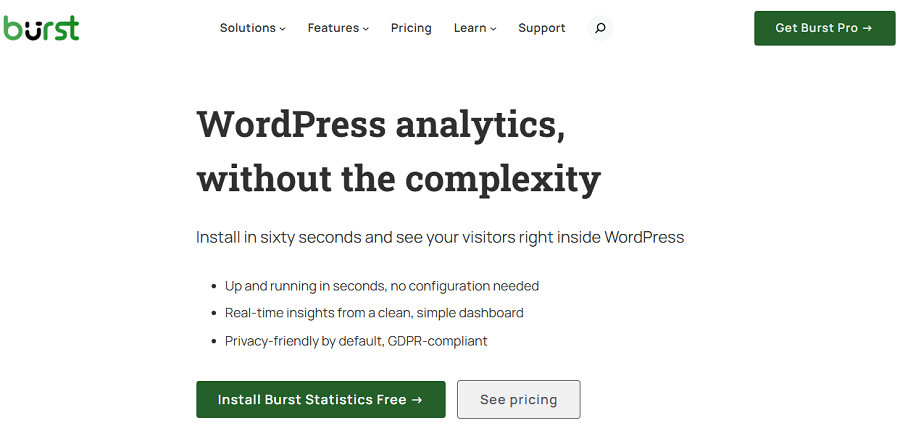
Burst Statistics is a privacy-focused analytics plugin that combines simplicity and GDPR compliance.
It provides you with essential insights into your visitor behavior without using cookies or other invasive tracking methods.
Burst Statistics is especially popular among European WordPress users who need GDPR-compliant web analytics.
If you want to track essential analytics metrics directly on your WordPress dashboard without complex configurations, this is a great option for you.
It offers a clean control panel with actionable metrics that are perfect for small to medium websites.
Key Features of Burst Statistics
- Cookie-free visitor tracking
- GDPR-compliant design
- Simple dashboard interface
- Page view analytics
- Lightweight performance impact
- UTM campaign tracking
- Geographic insights
- Automatic reporting
Pricing of Burst Statistics
| Plan | Pricing/year | Key Features | |
| 1 site | 5 Sites | ||
| Creator | $49 | $79 | Geographic Insights, Referral Analysis, UTM Tracking, Reporting |
| Business | $99 | $119 | Creator features + Revenue Tracking, WooCommerce Analytics |
| Agency | $199 (Unlimited sites) | All features, Unlimited Sites, Advanced Reporting | |
Pros of Burst Statistics
- Easy to use
- Privacy-first architecture
- Good performance
- 100% locally hosted
- 200,000+ websites
Cons of Burst Statistics
- Limited advanced reporting
- Fewer integrations
5. Plausible Analytics
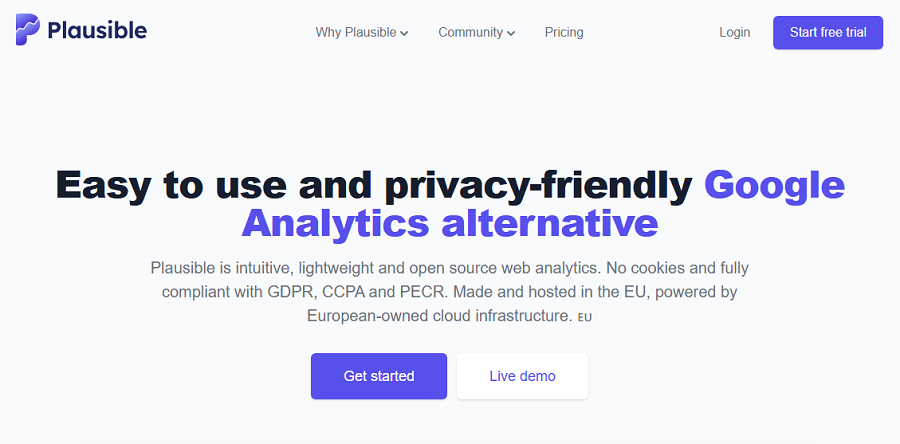
Plausible is a modern, lightweight analytics platform with a focus on privacy. It is one of the most popular WordPress analytics alternatives to GA4 and is famous for simplicity and a cookieless design.
Plausible provides a clean and easy-to-read dashboard with essential metrics like traffic sources, page views, and conversion tracking.
The plugin is fully GDPR compliant and does not collect personal data. If you have a startup or a business that works with sensitive data, Plausible is a great option for you.
Key Features of Plausible
- Cookie-free tracking
- Lightweight script (<1 KB)
- Real-time analytics
- Goal tracking
- GDPR compliant by design
Pricing of Plausible
| Plan | 10k Monthly Pageviews | 1M Monthly Pageviews | Highlights | ||
| Monthly | Yearly | Monthly | Yearly | ||
| Starter | €9 | €90 | €69 | €690 | 1 site, Reports, Goals & Events |
| Growth | €14 | €140 | €104 | €1,040 | 3 sites, Team Collaboration, Shared Dashboards |
| Business | €19 | €190 | €139 | €1,390 | 10 sites, API, Funnels, Ecommerce Analytics |
Pros of Plausible
- Extremely fast
- Clean UI
- Strong privacy focus
Cons of Plausible
- No free plan
- Limited deep analytics
6. Umami Analytics
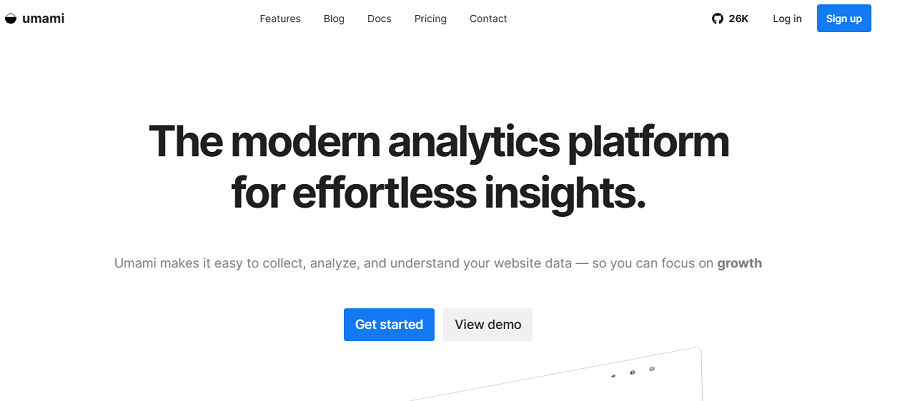
Umami Analytics is an open-source platform and a favorite analytics tool among developers. It offers privacy-first tracking services without using cookies through a simple and user-friendly dashboard. Umami provides the most important metrics without collecting unnecessary data.
It also has a plugin that allows you to integrate its features into WordPress. The good news is that you can use it as a self-hosted tool or through cloud hosting.
If you’re a developer or a technical user and want full control over the analytics data to remain compliant with GDPR and CCPA, Umami is the best choice for you.
Key Features of Umami
- Cookie-free tracking
- Open-source architecture
- Self-hosted option
- Real-time dashboard
- Lightweight performance
- UTM tracking
- Heatmaps to track clicks and scrolls
- Location tracking
Pricing of Umami
| Plan | Price | Usage Limit | Key Features |
| Hobby | Free | 100K events/mo | 3 websites, 6-month retention |
| Pro | $20/mo | 1M events/mo | 20 websites, 10 team members, 2-year retention |
| Business | $200/mo | 10M events/mo | Unlimited sites, Session Replays, Heatmaps, White-labeling |
| Enterprise | Custom | Custom | SSO, SLA, Custom retention, Enterprise support |
Pros of Umami
- Fully open-source
- Strong privacy compliance
- Developer-friendly
Cons of Umami
- Requires technical setup
- Limited marketing features
7. Fathom Analytics
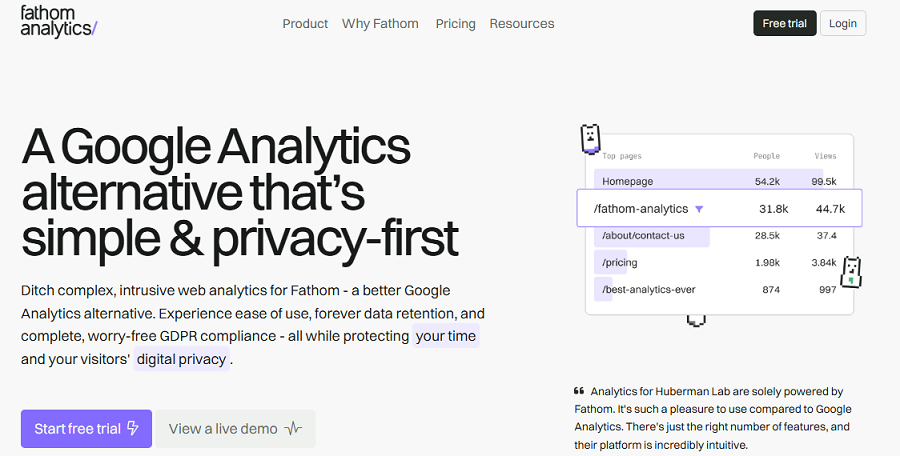
Fathom Analytics is a premium analytics tool that is famous for its simplicity and speed. It has a plugin for WordPress that offers privacy-focused tracking services without using cookies.
Fathom provides a clean dashboard that shows only essential metrics. So, if you just need insights without complexity, it’s a great option for your business. Fathom is GDPR compliant and is widely used as a GA4 alternative.
Fathom offers real-time metrics and allows you to track UTMs and events, which is great for marketing teams that respect privacy.
Key Features of Fathom
- Cookieless tracking
- Instant, lightweight script
- GDPR and CCPA compliant
- Real-time reporting
- Custom event tracking
Pricing of Fathom
| Plan | Price | Free plan |
| Monthly | Starts at $15/month | 7 days free |
| Yearly | Starts at $150/month | 2 months free |
Pros of Fathom
- Extremely fast
- Privacy-first architecture
- Easy setup
Cons of Fathom
- Paid-only model
- Limited advanced analytics
8. Simple Analytics
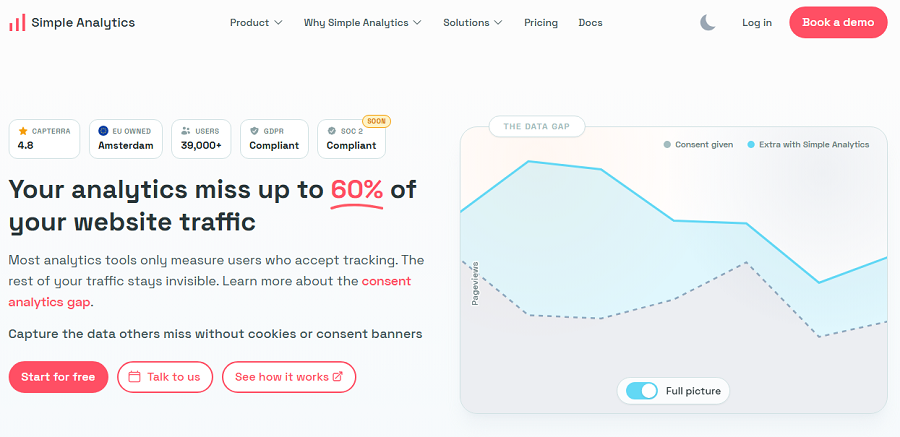
Simple Analytics is a minimalist analytics platform with a strong focus on privacy and transparency.
It provides cookie-free tracking without reducing the accuracy of analytics results. It also offers a user-friendly plugin for WordPress websites that lets you see your website traffic in seconds.
The plugin provides a one-page dashboard with no configuration or complex setup.
When you use this tool, you don’t need consent banners.
Simple Analytics doesn’t collect or store personal data from your visitors. More importantly, it’s EU-hosted and GDPR-compliant by design.
Key Features of Simple Analytics
- Cookie-free tracking
- No personal data collection
- Clean dashboard
- Real-time insights
- GDPR compliant
Pricing of Simple Analytics
| Plan | Pageviews | ||
| 100K | 500K | 2.5M | |
| Monthly | $20 | $40 | $120 |
| Annually | $200 | $400 | $1200 |
Pros of Simple Analytics
- Very simple interface
- Strong privacy guarantee
- Fast setup
Cons of Simple Analytics
- No free plan
- Limited depth of data
9. TWIPLA
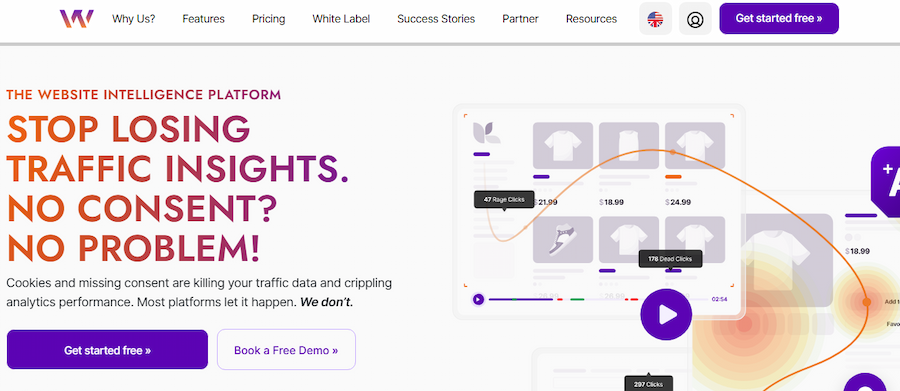
TWIPLA is an all-in-one website intelligence platform that provides cookie-free analytics for WordPress sites.
Apart from its own platform, you can use it as a WordPress plugin to have all the features in your dashboard.
It allows you to track traffic, user behavior, and conversions without storing cookies or personal data.
It’s GDPR-compliant by default while offering advanced tracking features like heatmaps, session recording, and surveys.
TWIPLA has some other premium features like white labelling, making it great for agencies or large businesses.
If you have a growing eCommerce website or a business that needs visualized analytics without using invasive tracking methods, this can be a good choice for you.
Key Features of TWIPLA
- Real-Time Analytics
- Advanced Conversion Analytics
- UTM Campaign Tracking
- eCommerce Statistics
- Session Recordings
- Page Heatmaps
- Conversion Funnels
- Company Reveal
Pricing of TWIPLA
| Plan | Price | Monthly Page Views | Session Recordings | Heatmaps |
| Free | $0 | 400 | 25 | 1 |
| Starter | $2.39 | 500 | 100 | 1 |
| Basic | $10.39 | 10,000 | 500 | 4 |
| Advanced | $19.99 | 25,000 | 2,500 | 15 |
| Pro | $31.99 | 50,000 | 5,000 | 25 |
| Custom Enterprise | custom | custom | custom | custom |
Pros of TWIPLA
- All-in-one analytics and engagement platform
- Fully cookie-free and privacy-friendly
- Cookie-free visitor tracking
- Integrated WordPress dashboard
Cons of TWIPLA
- Expensive for small businesses
- Complex setup
10. Clicky Analytics
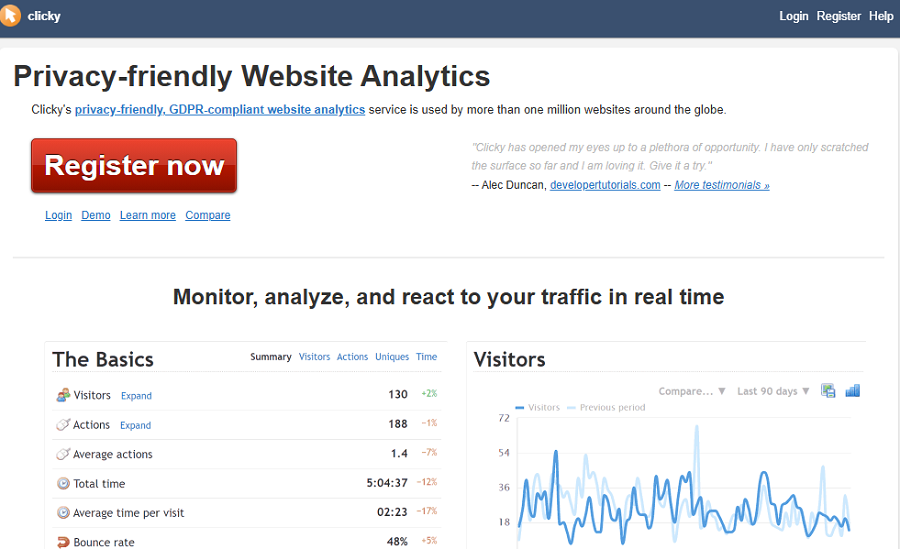
Clicky Analytics is a privacy-friendly web analytics platform with a WordPress plugin. It allows you to monitor traffic, user behavior, and conversions without intrusive tracking cookies.
It provides real-time analytics, heatmaps, uptime monitoring, and goal tracking in a lightweight, easy-to-use interface.
Clicky is ideal for small to medium WordPress sites, content creators, and businesses. It’s a good balance between performance, usability, and privacy.
Key Features of Clicky Analytics
- Real-time visitor analytics
- Heatmaps for individual pages
- Goal and conversion tracking
- Campaign attribution and tracking
- Uptime and performance monitoring
- WordPress dashboard integration
Pricing of Clicky Analytics
| Plan | Price (Monthly / Yearly) | Websites | Daily Page Views | Key Features |
| Free | Free | 1 | 3,000 | Visitor analytics, Real-time data |
| Pro | $9.99/mo • $79.99/yr | 10 | 30,000 | Premium features |
| Pro Plus | $14.99/mo • $119.99/yr | 10 | 30,000 | Premium features, Heatmaps, Uptime Monitoring |
| Pro Platinum | $19.99/mo • $159.99/yr | 30 | 100,000 | Premium features, Heatmaps, Uptime Monitoring |
| Custom | Custom Pricing | Up to 1,000 | Up to 20M | Premium features, Heatmaps, Uptime Monitoring, Enterprise-scale limits |
Pros of Clicky Analytics
- Cookie-free tracking option
- Cookie-free tracking available
- Easy WordPress integration
Cons of Clicky Analytics
- The free plan is limited in traffic and features
- Some advanced features only available on paid plans
Final Thoughts
Privacy concerns have become more important than ever. As a result, businesses should think of complying with privacy and data protection rules. Using a cookie-free analytics tool helps you stay compliant with these regulations.
Look at the following table to compare some of the best cookie-free tools and choose the right tool based on your requirements:
| Tool | Starting Price | Hosting | UTM Tracking | Heatmaps / Recordings | Free Plan |
| WP Statistics | Free / $39/year | Self-hosted | ✅ | ❌ | ✅ |
| Matomo | Free self-hosted / €22/mo cloud | Self-hosted + Cloud | ✅ | ✅ | ✅ |
| Koko Analytics | €59/year | Self-hosted | ❌ | ❌ | ❌ |
| Burst Statistics | $49/year | Self-hosted | ✅ | ❌ | ❌ |
| Plausible | €9/month | Cloud | ❌ | ❌ | ❌ |
| Umami | Free / $20/month | Self-hosted + Cloud | ✅ | ✅ | ✅ |
| Fathom | $15/month | Cloud | ✅ | ❌ | ❌ |
| Simple Analytics | $20/month | Cloud | ❌ | ❌ | ❌ |
| TWIPLA | Free / $2.39/month | Cloud | ✅ | ✅ | ✅ |
| Clicky Analytics | Free / $9.99/month | Cloud | ✅ | ✅ | ✅ |
WP Statistics is one of the best web analytics plugins that offers cookie-free tracking. It offers a free plan with basic features to let you try its capabilities.
You can also go premium to use more advanced features like author analytics, campaign builder, and custom event tracking. So, why wait? If you need a privacy-focused GA4 alternative, add WP Statistics to your WordPress.
FAQs
Is GA4 cookie-based?
The JavaScript tags used by Google Analytics use first-party cookies. These can distinguish unique users and unique sessions from a single user.
What’s the best cookieless alternative to Google Analytics?
WP Statistics is one of the best cookie-free alternatives to GA4.
Are tracking cookies illegal?
Tracking cookies is not illegal by default. You need to use them in a way that complies with the regulations. If you use cookies for essential functions, it is legal, and you can even avoid using consent requirements.