
WordPress analytics plugins with white-label options allow agencies to create a branded dashboard and export reports with their logos on them. This way, they can show their professionalism and gain the trust of clients.
Table of Contents
In this blog post, we’ll explain why it’s good to go for white-label reporting plugins on WordPress instead of third-party platforms. You can also get familiar with the best web analytics tools with white-label options.
What is White Label Analytics?
White label analytics is any analytics dashboards, reports, and metrics with your branding, colors, and identity.
In fact, instead of the vendor’s label, you’ll see your own logo on the reports. So, your clients don’t see “Powered by Plugin X”.
This might seem trivial to some businesses, but it can be important to others. Here are some reasons why you need white-label analytics:
- Integrated Service: Your clients see the analytics as part of your service, not a third‑party tool.
- Customization: You can customize visibility and what clients should see and what they should not see.
- Trust: If you use branded reporting, you can show your professionalism and gain the trust of clients.
In WordPress ecosystems, many white-label services integrate branding into services, including analytics reports.
This way, you can use web analytics plugins with white-label options to apply branding controls. These plugins hide plugin names, logos, or external links.
They can also include customizable email reports and PDF exports with your identity.
Here is a quick comparison between regular analytics tools and white-label ones:
| Feature | Regular Analytics | White Label Analytics |
| Branding (logo, colors) | ❌ | ✔️ |
| Client‑facing dashboard | Limited | Designed for clients |
| Plugin branding shown | Yes | Hidden or replaced |
| Custom report templates | Rare | Common |
| Agency‑oriented features | N/A | Built‑in |
Imagine that you have an SEO agency and want to send monthly SEO reports to website owners for whom you do their content tasks.
With a branded analytics dashboard on WordPress, you can send the reports with your agency’s visuals. This makes your agency look much more professional.
Also, the plugins might offer automated email reports with your logo, which is also impactful in clients’ imagination of your brand.
6 Best WordPress Analytics Plugins with White Label Options
Here is a list of the top web analytics plugins with white-label options for WordPress websites:
1. WP Statistics
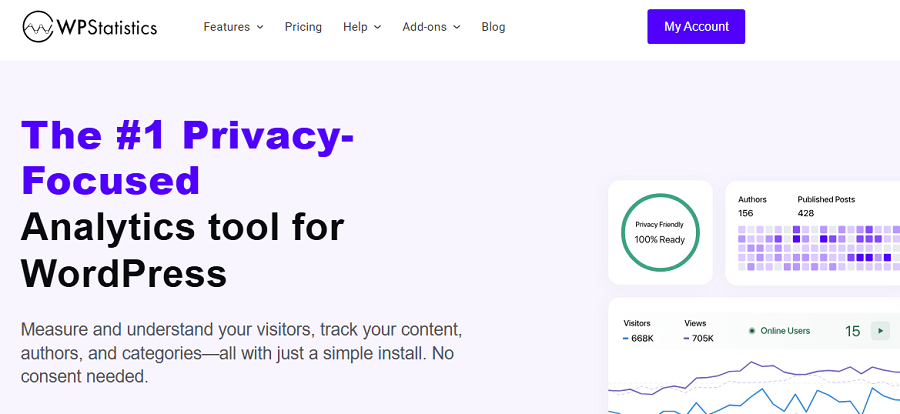
WP Statistics is one of the most complete web analytics plugins for WordPress websites. It’s a GDPR-compliant analytics platform and one of the best alternatives to Google Analytics.
WP Statistics collects and stores all data directly in your WordPress database and doesn’t use cookies.
So, if you have an agency with privacy-sensitive clients and want to stay compliant with data protection regulations, this is a great option.
Apart from compliance, it’s a powerful tool in terms of tracking features, including:
- Real-time visitor tracking
- Location reports
- Referrer and search engine analytics
- Page insights
- Content analytics
- Author analytics
WP Statistics also provides great white-label options in its premium version. Using these options, you can:
- Remove plugin branding from your dashboard
- Hide promotional notices and external links
- Customize dashboard visibility for client roles
- Use custom header branding
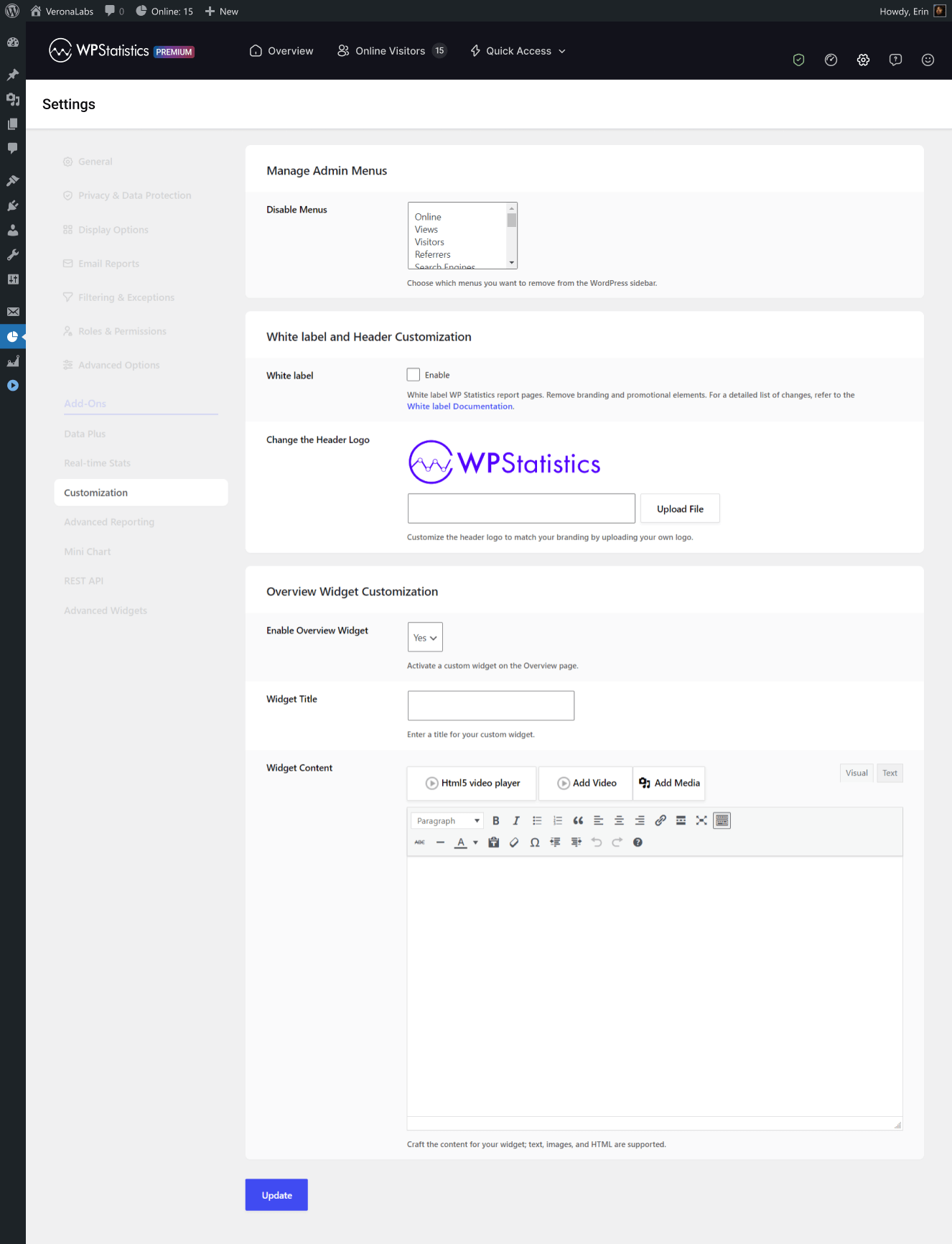
So, your clients can access analytics inside WordPress without seeing WP Statistics branding. This offers a more professional and agency-owned experience.
Pros of WP Statistics
- 100% self-hosted data
- Strong GDPR compliance
- White label in premium
- Deep visitor insights
- Integration with GSC
Limitations of WP Statistics
- Advanced features are expensive
2. ExactMetrics
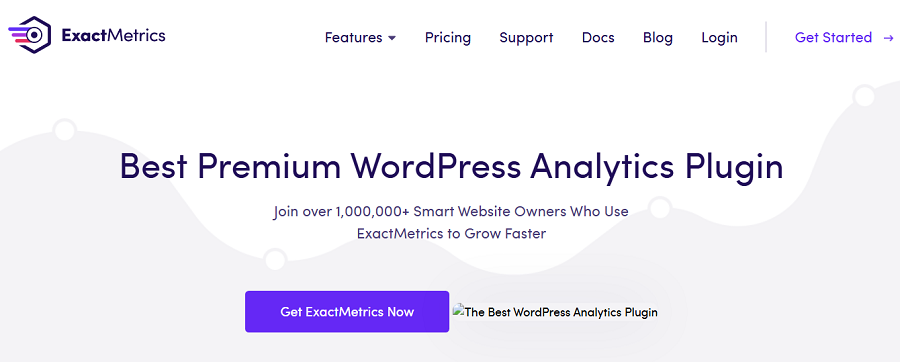
ExactMetrics is a popular Google Analytics plugin for WordPress websites. It’s great for marketers, agencies, and businesses that want to use GA4’s features on their WordPress dashboard.
Here is a summary of ExactMetrics features:
- Real-time analytics
- Audience reports
- eCommerce tracking
- Affiliate link tracking
- Form tracking
- File download tracking
- Automated reports
If you want to use its white labelling feature, you have to go for the Agency and Pro plans. It allows you to remove branding from reports and dashboards. This is especially great for agencies that want to appear more professional.
Pros of ExactMetrics
- Easy GA4 integration
- White-label reporting
- User-friendly interface
- Advanced tracking features
- eCommerce support
Limitations of ExactMetrics
- Relies on Google Analytics
- Premium plans required for advanced features
3. Beehiiv Analytics

Beehiiv Analytics is a WordPress plugin developed by WPMU DEV. It integrates Google Analytics 4 (GA4) directly into your WordPress dashboard and provides a simple dashboard for monitoring your website performance.
It’s great for developers, agencies, and site owners who need quick insights into key metrics, like visitor behavior, traffic sources, and user engagement.
Here is a summary of its key features:
- GA4 stats inside WordPress
- Custom dashboards & widgets
- Real-time monitoring
- Pro reporting modules
- Content and traffic insights
- Multisite support
- Google Tag Manager (GTM)
If you use its pro plans, you can have white-label site analytics views and automated client reports with branding controls.
This is best for agencies that want the features of Google Analytics without the complexity of its dashboard.
Pros of Beehiiv Analytics
- User-friendly dashboard
- Strong multisite features
- Privacy features
- GA4/GTM
- Visual insights
- Excellent bundled subscriptions
Cons of Beehiiv Analytics
- Complex setup for custom APIs
- Dependency on Google services
4. Plausible Analytics
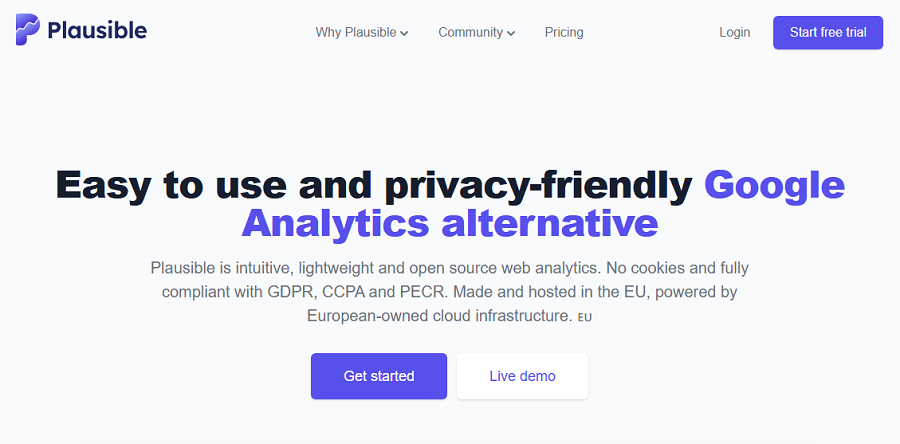
Plausible Analytics is a famous privacy-focused alternative to Google Analytics. It’s an open-source web analytics platform that focuses on simplicity, speed, and compliance with regulations like GDPR and CCPA.
It only collects essential metrics without using cookies or tracking personal data. So, if you’re a blogger or own an agency or startups with sensitive data, you can count on this tool.
It’s not a native WordPress plugin, but it offers an official WordPress plugin that simplifies tracking for you.
Here are some of its key features:
- Real-time monitoring
- Content and traffic insights
- Ecommerce and goals
Although Plausible is a simple tool, it offers a white-label dashboard on WordPress and branded reporting for agencies. So, when you integrate and configure it into your website, it can show your branding.
It’s best for agencies that need standalone, privacy‑focused analytics and want to rebrand.
Pros of Plausible Analytics
- Lightweight, privacy‑first
- Enterprise‑ready
Limitations of Plausible Analytics
- Requires external service
5. MonsterInsights

MonsterInsights is the most popular Google Analytics integration plugin for WordPress. It brings the capabilities of GA4 into your WordPress dashboard.
It provides useful reports on traffic, eCommerce, forms, and user behavior. MonsterInsights is ideal for businesses and agencies that need advanced tracking without complex setup.
It offers:
- Real-time stats
- eCommerce tracking
- Custom dimensions
- Page-level insights
- Affiliate link tracking
- EU compliance tools
- Integration with WPForms, MemberPress, and more.
It offers full white-label options in the Agency plan. So, you can remove MonsterInsights branding from dashboards and reports for client sites.
This plugin is great for agencies that manage multiple sites with a Google Analytics dependency.
Pros of MonsterInsights
- Beginner-friendly setup.
- Comprehensive GA4 features.
- Strong eCommerce focus.
Limitations of MonsterInsights
- Relies on Google Analytics
- Advanced white labeling might be expensive
6. Matomo Analytics
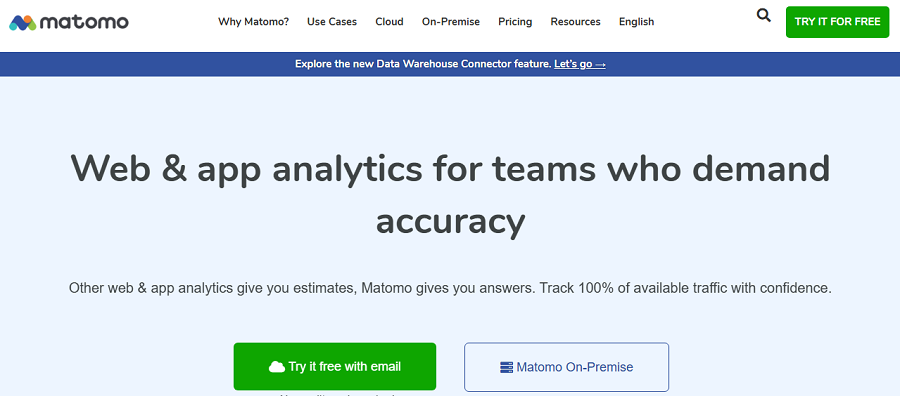
Matomo is an open-source analytics platform with an official WordPress plugin for easy integration. It’s a self-hosted service with a strong focus on privacy and data ownership.
It’s famous for real-time reports and advanced tracking without third-party sharing. Moreover, its premium version offers heatmaps for more detailed user behavior tracking.
Matomo has a complete set of tracking modules for eCommerce, funnels, SEO, tag manager, and custom reports.
If you’re looking for a GDPR/CCPA-compliant platform instead of GA4, this is your best chance.
The premium white-label plugin allows full rebranding. You can replace Matomo logos/colors and remove branding from dashboards/reports. Moreover, it’s possible to customize UI elements for client-facing analytics.
Pros of Matomo
- 100% data control.
- Extensive customization.
- Multisite support.
Limitations of Matomo
- Self-hosted setup requires technical knowledge.
- Premium features are costly.
How to Use White-Label Options on WP Statistics
WP Statistics offers white-labelling through its paid add-on: Customization. So, you have to enable this add-on or go for the premium version of WP Statistics so that you can use all the add-ons, including Customization.
Now, you can use the white-label options based on the following guide:
Step 1: Access the Customization Settings
Log in to your WordPress dashboard and go to Statistics. Now, click Settings and under Premium Add-ons, click Customization.
Here, you can see white-label options. Remember that if you’re using the premium version but the options are inactive, you have to enable the add-ons.
Step 2: Manage Admin Menus
In this stage, you can select the menus you want to hide from the WordPress sidebar. This allows you to customize your dashboard.
If you want to deselect a menu, you have to hold Ctrl and click on it.
Step 3: White Label and Header Customization
You just need to enable this option to white-label WP Statistics report pages. It lets you remove branding and promotional elements.
You can then upload your header logo to appear in reports and your dashboard instead of the WP Statistics logo.
Step 4: Choose Export & Import Options
You can choose any add-on to include its settings in the export file. Also,
Step 5: Overview Widget Customization
You can choose a custom widget to appear in your overview section. This way, you’ll see only what you need most. Also, you can choose a custom title for the report.
Final Thoughts
Web analytics is not all about tracking traffic. You might have to customize your analytics dashboard based on specific requirements or even white-label its reports for branding.
If you have a marketing or SEO agency and want to export reports with your own agency’s logo, you can use a WordPress analytics plugin with white-label options.
The following table compares the best white-label analytics plugins:
| Plugin | White Label | Privacy | Google Integration | Reports |
| WP Statistics | ✔️ (Premium) | ✔️ | ✔️ | ✔️ |
| Exact Metrics | ✔️ (Premium) | ⚠️ | ✔️ | ✔️ |
| Beehiiv Analytics | ✔️ (Pro) | ⚠️ | ✔️ | ✔️ |
| Plausible | ✔️ | ✔️ | Optional | ✔️ |
| MonsterInsights | ✔️ (Agency) | ⚠️ | ✔️ | ✔️ |
| Matomo Analytics | ✔️ | ✔️ | ❌ | ✔️ |
Rebranding and customization on WP Statistics is much easier than ever. You just need to enable the Customization add-on to use these options.
If you need any help, you can always contact us.
FAQs
What is the best analytics plugin for WordPress?
WP Statistics is the best WordPress web analytics plugin. It offers GDPR-compliant analytics with lots of features and add-ons.
What is white-label analytics?
It’s any analytics dashboards and reports that allow you to put your own brand on them.
Does WordPress have any analytics?
Yes! You can use web analytics plugins like WP Statistics and Matomo to analyze your WordPress website’s performance.