
Privacy-focused analytics platforms are on the rise as people become more aware of their rights.
Table of Contents
Simple Analytics is a good choice for businesses that respect privacy rights. Although it provides useful features for tracking your site’s performance, it can’t address many requirements.
In this blog post, we’ll discuss the pros and cons of Simple Analytics and list the best alternatives you can use instead of this tool. So, you can find the best privacy-first web analytics tool for your site.
What is Simple Analytics?
Simple Analytics is a privacy-focused website analytics platform founded in the Netherlands in the late 2010s. It lets you understand your website performance without collecting personal data.
This was a direct response to privacy concerns about Google Analytics in Europe and to the complexity of its dashboard.
Simple Analytics became even more important when GDPR was introduced and forced businesses to restrict data collection.
It does not use cookies and fingerprinting techniques that violate privacy rules. Also, it doesn’t store IP addresses and personal information.
Instead of invasive tracking methods, it aggregates data collected from all users, not individuals. So, you can still understand traffic trends without identifying every single person.
It should be noted that it intentionally restricts data collection to provide clean insights with fewer metrics.
This is great for:
- Bloggers: Lightweight traffic insights
- Small businesses: GDPR-safe analytics without legal overhead
- Marketing teams: Top-level performance trends
- Developers: Minimal scripts and fast load times
- Agencies: Privacy-sensitive client websites
Features of Simple Analytics
Simple Analytics offers useful features, including:
- Page views tracking: The total visits each page on your site receives and the overall traffic trends on your website.
- Unique visitors estimation: Visitor counts without cookies and anonymously.
- Referrer tracking: What source your traffic is coming from, including search engines, social, direct, etc.
- Top pages report: The most visited pages on your website.
- Real-time visitor overview: The number of visitors who are currently on your site.
- Device breakdown: The device your visitors use, including mobile, desktop, and tablet.
- Country-level analytics: Anonymized geographic distribution of your site visitors.
- UTM tracking support: Campaign-level performance measurement.
- Custom events: Basic event tracking based on your users’ key actions.
- Goal tracking: Conversions such as signups or clicks.
- API access: Integration with external dashboards or internal tools.
- Bot filtering: Recognizing and reducing traffic noise from known bots and crawlers.
As you can see, it avoids behavioral analytics, but this is intentional because it wants to respect user privacy.
Privacy Approach
Privacy is not a feature in Simple Analytics. It’s the foundation of this product. Here is a summary of what makes Simple Analytics different from traditional tools in terms of privacy:
- No cookies
- No personal data
- No cross-site tracking
- No IP addresses
- GDPR compliant by default
So, when using this tool, you don’t usually need a cookie consent banner on your site.
Integrations
Simple Analytics easily integrates with common website ecosystems, including:
- JavaScript tracking snippet for any website
- WordPress plugin for quick setup
- API access for custom dashboards and internal tools
- Basic data export for reporting workflows
The platform intentionally avoids more integrations to comply with privacy rules.
The Pros and Cons of Simple Analytics
Let’s review the benefits and drawbacks of Simple Analytics to see if it’s suitable for your website:
Advantages of Simple Analytics
As said earlier, Simple Analytics’ most important aspect is its simplicity and compliance. Here are some key benefits of using it:
- Clean, minimal interface: Its dashboard focuses only on essential metrics like page views, referrers, and top pages. Simple Analytics has no steep learning curve and is one of the best tools for beginners with no steep learning curve.
- Privacy-first design: There are no cookies, no personal data storage, and no need for consent banners in most cases. So, you don’t need to worry about GDPR compliance.
- Extremely fast setup: You can install it within a few minutes by adding a script or plugin. There is no configuration complexity.
- Lightweight performance impact: Its tracking script is minimal, which leads to fast page load times.
- No user tracking or profiling: Simple Analytics is ideal for organizations that want insights without ethical or legal concerns.
- Transparent data model: Simple Analytics doesn’t hide any tracking model.
- Free: It’s completely free, suitable for startups and businesses with a limited budget.
Drawbacks of Simple Analytics
Despite its benefits, Simple Analytics is not good for every use case:
- Limited advanced analytics capabilities: It doesn’t offer features like funnels, cohort analysis, or detailed behavioral segmentation.
- No session replay or heatmaps: It doesn’t provide visualized reports for analyzing user interactions.
- Basic event tracking: Its event tracking capability is too simple compared to advanced web analytics tools.
- No conversion tracking: If you need deep conversion optimization, you can’t go for Simple Analytics.
- Limited customization: You can’t customize its dashboards and reporting options.
- Smaller ecosystem: It doesn’t have enough integrations with useful platforms.
What Users Say about Simple Analytics
To understand the pros and cons of Simple Analytics more deeply, it’s good to look at what users have said about it:
1. Loading Time (G2)
What do you like best about Simple Analytics?
The best part about the tool is the integration and user interface. The operating system is so easy to use that the first user can easily understand it.
What do you dislike about Simple Analytics?
The only thing I didn’t like is the page loading time. The server is a little slow and takes long to load the page.
2. Basic (Capterra)
“Great support”
Pros
In case of questions or ambiguities, the Simple Analytics team is always available to give a clear answer.
Cons
The tool is basic and very easy to use. As a result, it is not possible to analyse or collect data in detail.
3. Not Accurate (Capterra)
simpleanalytics is a good GA alternative”
Pros
Simple, privacy friendly, free and open stats, good support
Cons
ahrefs is not filtered out so the stats are not accurate
4. Dashboard (Capterra)
Easy no-frills consent-free analytics”
Pros
As Google Analytics requires user consent, we needed a consent-free analytics solution to measure our real traffic. Simple Analytics provides just that. It’s super easy to set up including custom events and the API integration allows us to upload all data in our data warehouse and combine it with other KPIs in our custom dashboards.
Cons
I have no real complaints except that maybe the usability of the dashboard could be improved.
Overall, Simple Analytics is not ideal for SaaS or ecommerce businesses because it can’t provide advanced marketing and conversion features. However, it’s a great option for small businesses and blogs.
8 Best Simple Analytics Alternatives
Now that you know the limitations of Simple Analytics, it’s good to get familiar with the top alternatives that can cover its drawbacks.
1. WP Statistics
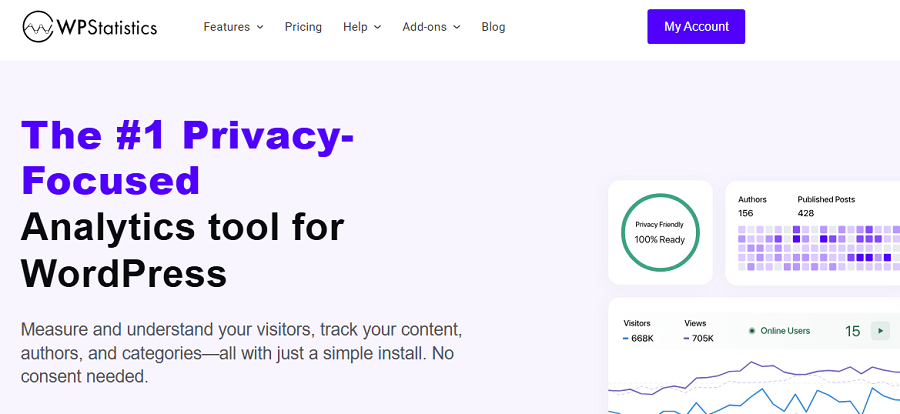
WP Statistics is one of the best WordPress-native analytics plugins. It’s a great alternative to Simple Analytics because it has the same level of compliance while providing more advanced metrics.
You can easily install it on your WordPress dashboard and collect and store your web analytics data without relying on third parties.
WP Statistics doesn’t share your visitors’ data with ad platforms and also avoids monetizing it.
Moreover, it gives you a privacy configuration menu so that you can align its settings according to your requirements.
This is also a great GA4 alternative because it has many of its advanced tracking features without violating data protection laws like GDPR and CCPA.
It even offers some features like author analytics and single-page tracking that GA4 doesn’t provide natively.
So, whether you have a small business or an eCommerce store and don’t want to use intrusive tracking methods, you can count on WP Statistics.
Key Features of WP Statistics
- Visitors tracking
- Page views
- Referrers
- Search terms
- Geo-location data
- Browser stats
- Operating system tracking
- Device tracking
- Real-time stats
- No external API dependency
- IP anonymization options
- Export functionality
- Role-based access
- Customizable tracking exclusions
Pricing Packages of WP Statistics
| Plan | Price/year | Features | |
| Free | $0 | Basic analytics features | |
| Premium Add-ons | $39 | 1 Site | Data Plus, Real-Time Stats, Marketing, Advanced Reporting, and Mini Chart |
| $99 | 5 Sites | ||
| $199 | Unlimited | ||
| Agency | $119 | 1 Site | All features, add-ons, and integrations. |
| $249 | 5 Sites | ||
| $449 | Unlimited | ||
Pros of WP Statistics
✅ Fully self-hosted inside WordPress
✅ No external tracking scripts
✅ Strong privacy alignment
✅ Easy setup for WordPress users
✅ Real-time analytics available
✅ Flexible data filtering
✅ Completely independent system
Cons of WP Statistics
❌ Performance impact on large sites
❌ Only for WordPress
❌ No heatmaps and replays
2. Plausible Analytics
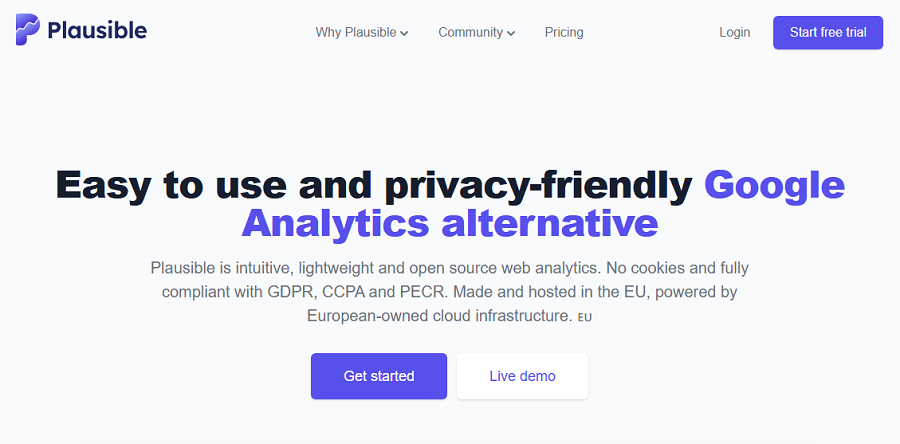
Plausible Analytics is one of the most famous privacy-first analytics platforms in the world. It’s a lightweight, open-source alternative to Google Analytics that doesn’t need complex tracking setups.
If you want a simpler web analytics tool to use instead of Simple Analytics, Plausible can be a good choice for you. It focuses on essential website insights without cookies and personal data storage.
The platform’s main purpose is privacy, and it targets businesses that don’t want to think about GDPR compliance configurations.
Plausible offers both cloud-hosted and self-hostable options, making it suitable for both startups and technical teams.
It has a minimal dashboard that offers key metrics like page views, unique visitors, bounce rate, and referral sources. You can easily find what you need without struggling with items like GA4.
Despite its simplicity, it has a strong integration ecosystem, including WordPress, Shopify, Ghost, and custom APIs.
You should not expect features like heatmaps and session recordings, but if you just want key analytics metrics, you can rely on it.
Key Features of Plausible Analytics
- Page views tracking
- Unique visitors
- Bounce rate
- Referral sources
- UTM tracking
- Goal conversions
- Custom events
- Real-time dashboard
- Geo-location insights
- Device breakdown
- Entry and exit pages
- API access
- Light script size
- Self-hosting option
Pricing Packages of Plausible Analytics
| Plan | 10k Monthly Pageviews | 1M Monthly Pageviews | Highlights | ||
| Monthly | Yearly | Monthly | Yearly | ||
| Starter | €9 | €90 | €69 | €690 | 1 site, Reports, Goals & Events |
| Growth | €14 | €140 | €104 | €1,040 | 3 sites, Team Collaboration, Shared Dashboards |
| Business | €19 | €190 | €139 | €1,390 | 10 sites, API, Funnels, Ecommerce Analytics |
Pros of Plausible Analytics
✅ Truly cookie-less analytics
✅ Simple interface
✅ GDPR and privacy-compliant
✅ Lightweight script
✅ Open-source
✅ Strong integration support
✅ Transparent metrics model
Cons of Plausible Analytics
❌ Limited advanced features
❌ No heatmaps
❌ No session replay
❌ Usage-based pricing
❌ Limited customization
3. Fathom Analytics
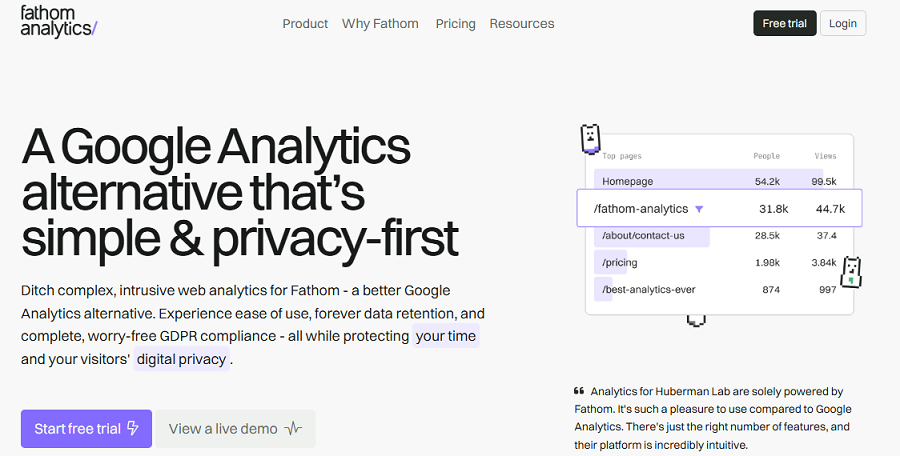
Fathom Analytics is another great Simple Analytics alternative. It’s a privacy-first web analytics platform that is famous for simplicity, speed, and compliance.
This platform provides real-time website analytics without using cookies or storing personal data.
It gives you essential insights, like page views, top referrers, device types, and conversion goals. Also, it has a clean, minimal interface that is great for fast decision-making.
Fathom is a fully hosted SaaS solution, so you do not need to manage infrastructure or self-host.
You can easily set up Fathom using a single script installation without unnecessary configurations.
Fathom is popular among agencies, bloggers, and SaaS companies. If you need privacy-compliant analytics and essential analytics metrics, you can rely on this tool. Remember that it’s built with this idea: less data, more privacy. So, don’t expect advanced and detailed behavioral metrics.
Key Features of Fathom Analytics
- Page view tracking
- Unique visitor estimation
- Goal tracking
- Real-time dashboard
- Referral tracking
- Campaign tracking
- UTM parameter support
- Device detection
- Country-level analytics
- API access
- Email reports
- Multi-site tracking
Pricing Packages of Fathom Analytics
| Plan | Price | Free plan |
| Monthly | Starts at $15/month | 7 days free |
| Yearly | Starts at $150/month | 2 months free |
Pros of Fathom Analytics
✅ Fast and lightweight
✅ Privacy-first design
✅ Simple and clean UI
✅ Easy setup
✅ Reliable uptime as hosted SaaS
✅ Good for multi-site users
✅ GDPR compliant by default
Cons of Fathom Analytics
❌ No advanced behavioral analytics
❌ Usage-based pricing
❌ Limited customization options
❌ Closed ecosystem
4. Matomo
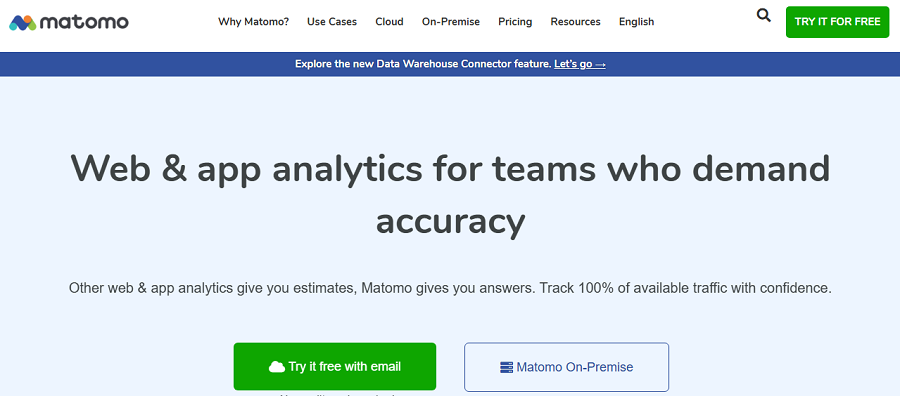
Matomo is one of the best alternatives to Google Analytics. If you’re looking for a powerful web analytics tool to use instead of Simple Analytics, you can go for Matomo.
It’s a privacy-focused tool that offers both self-hosted and cloud-hosted options and prioritizes data ownership.
Despite Simple Analytics, Matomo is a heavy and complete website analytics platform suitable for full-scale projects and campaigns.
It supports almost everything you expect from GA4, from basic page views to advanced ecommerce analytics and funnel tracking.
Moreover, it provides advanced visualized reports like heatmaps and session recordings, and gives you great customization capability.
Matomo is compliant with GDPR and CCPA by default and is widely used by organizations that work with sensitive data.
The only drawback is that it’s not beginner-friendly because it needs advanced setup with a steep learning curve.
Key Features of Matomo Analytics
- Page views tracking
- Unique visitors
- Event tracking
- Ecommerce tracking
- Funnels
- Heatmaps
- Session recordings
- Goal tracking
- Custom dashboards
- Real-time analytics
- A/B testing
- Tag manager
- SEO keyword tracking
- API access
- Multi-site management
- Data export
Pricing Packages of Matomo Analytics
| Plan | Price/month | Features |
| Self-hosted | €0 | Basic features, hosting required |
| €33 – €219 | Payment per feature | |
| Cloud Starter | €22 | 50,000 hits per month |
| €172 | 1 million hits per month | |
| Enterprise | Custom | Advanced support, scaling, and compliance tools |
Pros of Matomo Analytics
✅ Full data ownership
✅ Feature-rich
✅ GDPR compliance options
✅ Flexible deployment
✅ Mature ecosystem
✅ Enterprise-ready scalability
Cons of Matomo Analytics
❌ More complex setup than Simple Analytics
❌ Heavier performance footprint
❌ UI can feel outdated
❌ Self-hosting needs maintenance
5. Umami
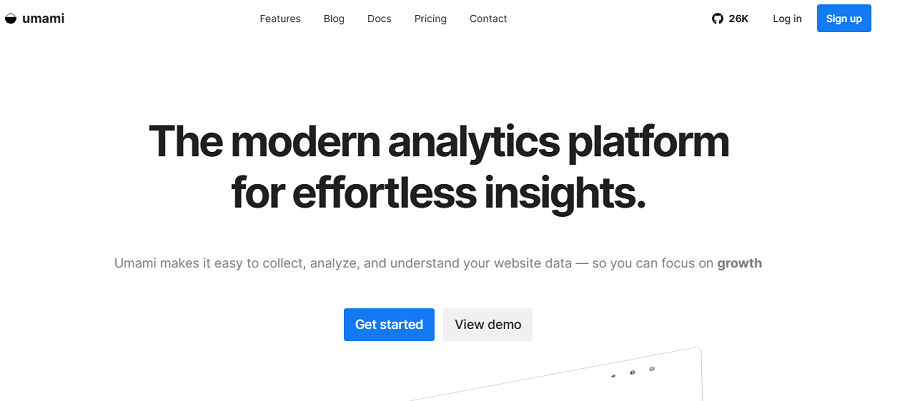
Umami is a new open-source analytics tool, but it has gained great popularity as an alternative to Google Analytics.
Developers who want something lightweight, self-hostable, and privacy-friendly are really interested in this tool.
It’s as simple as Simple Analytics and avoids complex configurations, cookies, consent banners, and other invasive tracking methods.
Umami collects only what you need, and nothing more. It does not store personally identifiable information and complies with GDPR principles and other privacy regulations.
You can self-host Umami or deploy it via managed cloud options, depending on your requirements.
It offers a clean and minimal dashboard with a focus on essential metrics such as page views, referrers, and top pages.
Overall, it’s a lightweight and developer-friendly web analytics tool with useful APIs. So, you can count on it as a great alternative to Simple Analytics.
Key Features of Umami Analytics
- Page view tracking
- Unique visitor estimation
- Referrer tracking
- Device breakdown
- Country analytics
- Real-time dashboard
- Custom events
- UTM tracking
- API access
- Data export
Pricing Packages of Umami
| Plan | Price | Usage Limit | Key Features |
| Hobby | Free | 100K events/mo | 3 websites, 6-month retention |
| Pro | $20/mo | 1M events/mo | 20 websites, 10 team members, 2-year retention |
| Business | $200/mo | 10M events/mo | Unlimited sites, Session Replays, Heatmaps, White-labeling |
| Enterprise | Custom | Custom | SSO, SLA, Custom retention, Enterprise support |
Pros of Umami
✅ Fully open-source
✅ Extremely lightweight
✅ Cookie-free tracking
✅ Easy to self-host
✅ Clean, modern UI
✅ Developer-friendly API
Cons of Umami
❌ Limited advanced analytics
❌ Basic reporting depth
❌ Technical setup for self-hosting
❌ Smaller ecosystem
6. Swetrix
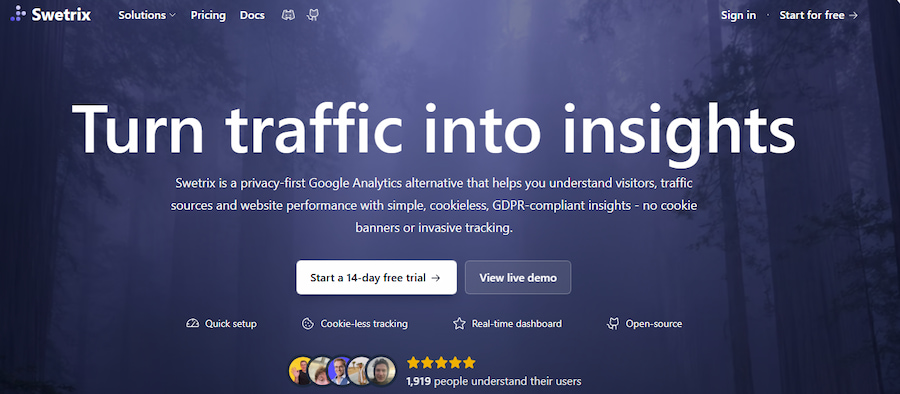
Swetrix is a modern, privacy-focused analytics platform you can use instead of Simple Analytics.
It’s one of the best web analytics tools that can combine simplicity with advanced tracking capabilities like Swetrix.
This makes it a better option than lightweight tools like Simple Analytics and a great alternative to GA4.
In fact, Swetrix defines itself as a hybrid solution:
- Privacy-first analytics
- Optional event tracking, funnels, and detailed user behavior insights
So, it’s a great choice for startups and SaaS products that want detailed traffic stats without using traditional tools like GA4.
You can use this tool as a cloud service or self-hosted. This gives you flexibility for projects with different privacy requirements or resources.
Just like Simple Analytics, it does not rely on cookies by default and is GDPR-compliant by default.
It offers a clean interface and provides useful features like real-time analytics, traffic sources, and engagement metrics.
You’ll also have event-based tracking, which is a big difference from simpler alternatives. Overall, it’s perfect for developers, SaaS founders, and privacy-conscious teams.
Key Features of Swetrix Analytics
- Page view tracking
- Event tracking
- Custom goals
- Funnels
- Real-time analytics
- Referrer tracking
- UTM tracking
- Device analytics
- Country tracking
- API access
- Multi-site management
- Self-hosting support
- Cookie-free tracking
- Error tracking
- Email reports
Pricing Packages of Swetrix
| Plan | Monthly Pageviews | Main Features | ||
| 100K | 1M | 10M | ||
| Price | ||||
| Standard | $17 | $69 | $209 | Basic features |
| Plus | $35 | $159 | $539 | Advanced features for professional teams |
| Enterprise | Custom | All-in-one for enterprises | ||
Pros of Swetrix
✅ Privacy-first architecture
✅ Funnels and events
✅ Flexible deployment options
✅ Modern, clean UI
✅ Developer-friendly APIs
✅ Good balance of simplicity and power
Cons of Swetrix
❌ Still evolving platform
❌ Smaller ecosystem
❌ Limited enterprise features
❌ Self-hosting needs technical knowledge
7. PostHog
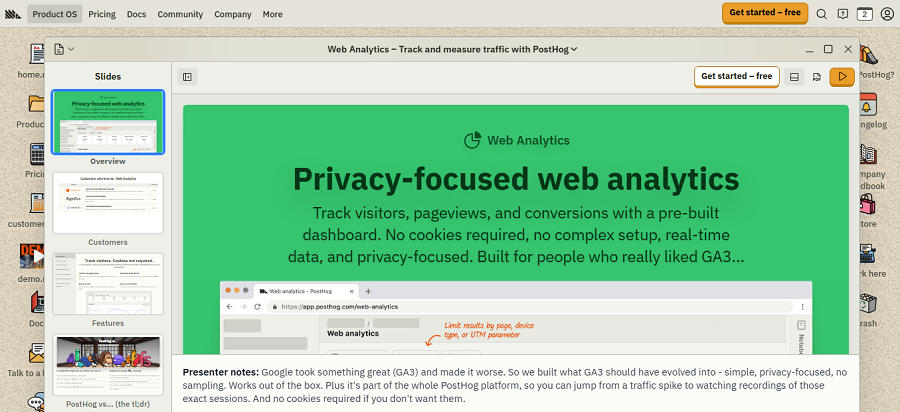
PostHog is one of the most powerful open-source product analytics platforms available out there. It’s an advanced Simple Analytics alternative that offers features like event tracking, session replay, feature flags, A/B testing, and user behavior analysis.
It’s useful for developers who need deeper insight into how users interact with software products.
PostHog offers two hosting options:
- Self-hosting for companies with strict data control and compliance requirements
- Managed cloud service for small businesses without infrastructure
One of the biggest differences between PostHog and Simple Analytics is its visualization features, like session replay and heatmaps.
However, this advanced set of tools is somewhat complex. You need to take care of the configuration and struggle with a steep learning curve.
Key Features of PostHog Analytics
- Event tracking
- Funnels
- Session replay
- Heatmaps
- Feature flags
- A/B testing
- User cohorts
- Retention analysis
- API access
- Real-time analytics
- Error tracking
- Data pipelines
Pricing Packages of PostHog
| Plan | Price | Best For | Main Features |
| Free | Generous usage limits | Startups | Core platform |
| Paid Usage | Consumption based | Growing SaaS | Advanced scaling |
| Enterprise | Custom | Large teams | Security and support |
Pros of PostHog
✅ Extremely powerful product analytics suite
✅ Open-source core
✅ Session replay and heatmaps included
✅ Scales to enterprise use cases
✅ Strong API and integrations
✅ Active development community
Cons of PostHog
❌ Complex setup
❌ Learning curve
❌ Not good for basic websites
❌ Resource-intensive
❌ Pricing can scale quickly
8. GoatCounter
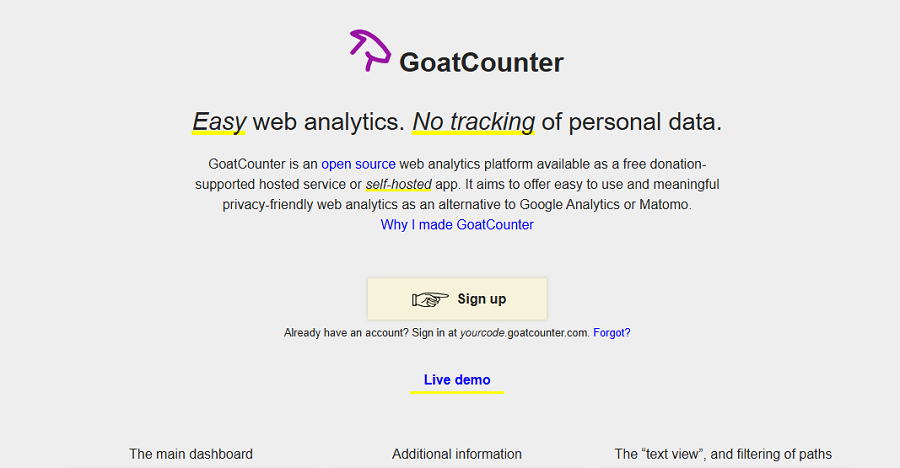
Last but not least, GoatCounter is one of the simplest privacy-focused analytics tools. It’s a great alternative to Simple Analytics and a perfect tool for minimal and ethical tracking.
If you need a transparent website analytics tool without unnecessary complexity, GoatCounter is a good choice for you.
GoatCounter is an open-source project, and you can self-host it or use it as a hosted service.
It only focuses on straightforward page view analytics, referrer tracking, and basic engagement metrics.
As a result, its interface is lightweight and fast, which is perfect for personal websites, blogs, and small publishers.
GoatCounter is fully cookieless and does not rely on personal identifiers. So, it’s a GDPR-compliant web analytics tool by default.
Key Features of GoatCounter Analytics
- Page view tracking
- Referrer tracking
- Real-time stats
- Country breakdown
- Device detection
- Custom events
- Minimal dashboard
- API access
- Spam filtering
Pros of GoatCounter
✅ Simple and fast
✅ Privacy-friendly
✅ Open-source and transparent
✅ Very lightweight script
✅ Easy self-hosting option
✅ Ideal for personal websites and blogs
Cons of GoatCounter
❌ Limited analytics depth
❌ Not suitable for business intelligence
❌ Basic UI and reporting
❌ Limited integrations
Final Thoughts
Simple Analytics is an effective, privacy-focused web tracking service for basic metrics. It has many advantages over traditional tools and brings trust and transparency to your website.
However, there are some more advanced options out there that combine privacy and accuracy.
For example, WP Statistics is an advanced open-source analytics plugin for WordPress websites that can be used instead of Simple Analytics.
It offers privacy-first services without cookies and personal data storage. You can use its basic features for free and use a pricing package for more advanced analytics.
If you need advice for choosing a web analytics platform, you can count on our help.
FAQs
Is Simple Analytics free?
Yes! Simple Analytics is completely free.
What’s the best Simple Analytics alternative?
There are multiple useful privacy-focused analytics platforms you can use instead of Simple Analytics. WP Statistics is a great alternative for WordPress users. Also, Matomo is perfect for organizations.
Is WP Statistics GDPR-compliant?
Yes! It’s compliant by default. You can also configure its privacy settings.