
Google Analytics is the most famous web analytics platform in the world and is used by more than 55% of all websites.
However, it comes with some problems, including privacy concerns and complexity, that make website owners use alternatives.
In this blog post, we’ll explain why you have to use a GA4 alternative and what tracking tool is the best replacement for it.
Why Should You Go for a Google Analytics Alternative?
GA4 is good, but not for everyone. Here are the most important reasons why you have to think of alternatives to this web analytics tool.
- Steep Learning Curve: Google Analytics has a crowded and complex dashboard that might confuse beginners. Although it has become easier to learn in the new version, it’s still not user-friendly.
- Integration: Some plugins allow you to have GA4’s features on your site. However, other web analytics platforms offer more complete features on your dashboard. So, you don’t need to switch your dashboard for tracking your website’s performance.
- Data Ownership: Google Analytics stores your data on its own server and uses/shares data for monetization or targeted marketing. GA4 alternatives give you full ownership over your data and don’t share it with third-party platforms.
- GDPR-Compliance: Google Analytics is not GDPR-compliant by default. You can use alternatives to make sure about compliance.
- Cookies: Google Analytics uses cookies to track users across websites. It’s good to go for cookie-less tracking tools to get rid of cookie banners on your website.
10 Best Google Analytics Alternatives for WordPress
Here is a list of the top 10 GA4 alternatives for WordPress websites:
1. WP Statistics
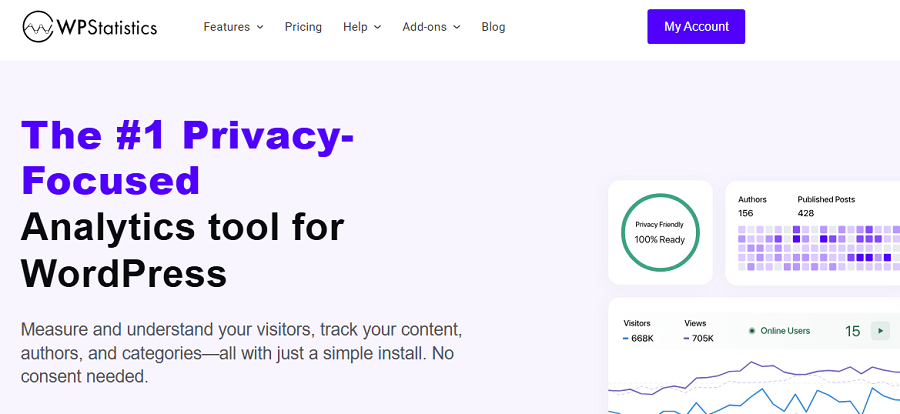
WP Statistics is a privacy-focused analytics plugin for WordPress sites. Despite GA4, WP Statistics stores all analytics data directly within your WordPress database.
Moreover, WP Statistics doesn’t share data with third-party platforms for monetization and targeted marketing. So, it’s a popular choice for site owners who prioritize data ownership and privacy.
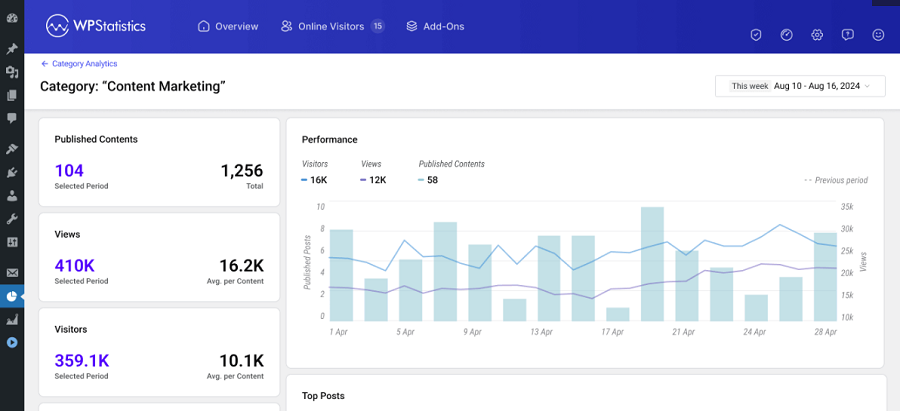
Another great aspect of WP Statistics is its simplicity. Although it provides detailed and accurate insights into user behavior, it doesn’t need a complex setup and configuration. It has a clear and easy-to-use dashboard that even beginners can use.
WP Statistics is ideal for bloggers, small businesses, nonprofits, online shops, and organizations with strict data protection policies. Overall, it’s the best cookie-free alternative to GA4 for WordPress websites.
Features of WP Statistics
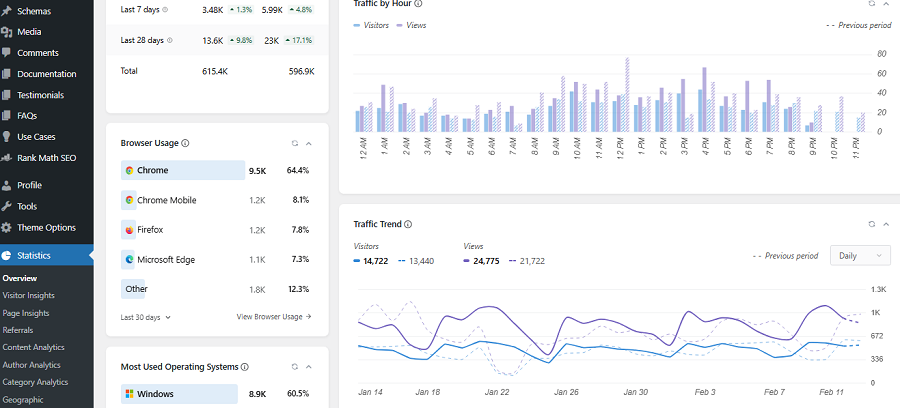
- Real-Time Visitor Tracking: Monitor live users along with weekly/daily visit peaks.
- Privacy-Friendly Analytics: It uses a cookie-less approach with anonymized IPs.
- Country & Geo Reports: You can recognize where your audience comes from.
- Page Analytics: Compare your pages to see which content performs best.
- Search Engine Referrals: Track traffic from Google, Bing, and others.
- Author Analytics: Compare the performance of your writers.
Pricing Plans of WP Statistics
| Plan | Key Features | Pricing |
| Free | Core analytics, privacy-first tracking | $0 |
| Premium Add-ons | Data Plus, Marketing, Mini Chart | From $39/year |
Pros of WP Statistics
- Data ownership
- Cookie-less
- Simple setup with no external scripts
- One-time or annual pricing
- Accurate
Cons of WP Statistics
- Add-ons need payment
- Just for WordPress websites
2. Matomo
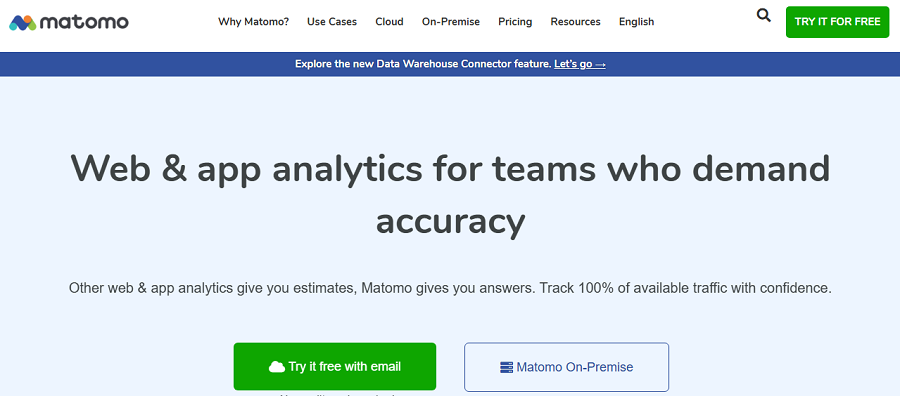
Matomo is one of the best Google Analytics alternatives, which is famous as an ethical analytics platform.
It gives website owners complete control over users’ data and can be self-hosted on your own server.
Also, it offers Matomo Cloud as an option, making it a great option for organizations that prioritize privacy.
Matomo has a strong focus on transparency, privacy, and data ownership, while offering accurate and complete tracking features.
Fortunately, it has a WordPress plugin that simplifies setup and website tracking. Matomo provides a similar depth of insights to GA4, so you don’t need to worry about accuracy.
This tool is ideal for medium to large websites, publishers, and businesses that need GDPR-compliant analytics.
Features of Matomo
- Full Data Ownership: You have self-hosting and EU-based cloud hosting options.
- Advanced Visitor Analytics: It can track sessions, events, heatmaps, and funnels.
- eCommerce Tracking: Monitor your revenue, conversions, and product sales.
- Consent Management: It offers built-in GDPR compliance tools.
Pricing Plans of Matomo
| Plan | Key Features | Pricing |
| Self-Hosted | Full analytics suite | Free |
| Cloud | Managed hosting, updates, and backups | From $23/month |
Pros of Matomo
- GA-level depth
- No data sharing
- Strong privacy
- Compliance features
- Highly customizable
- You can use it directly on your website
Cons of Matomo
- It requires server resources if you choose self-hosted
- Cloud version is expensive
3. Clicky
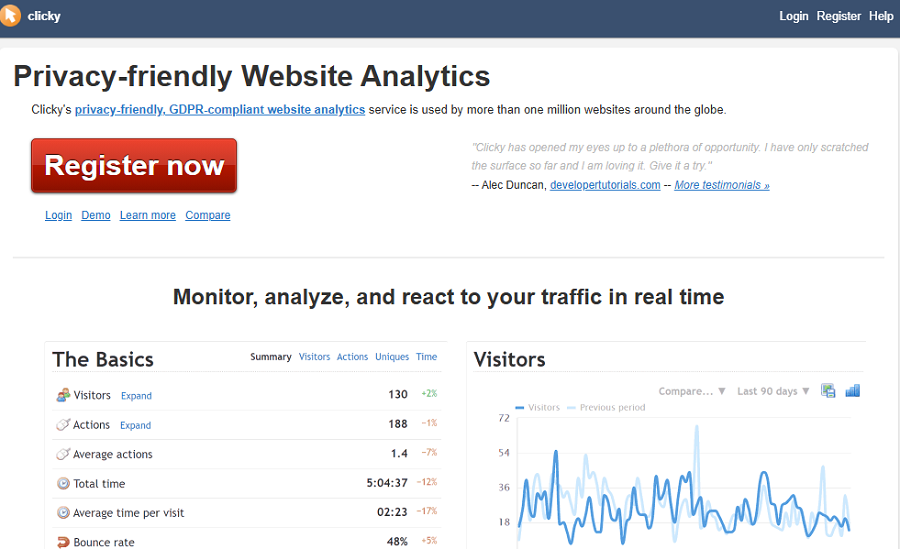
Clicky is a real-time analytics platform that can be used instead of Google Analytics without worrying about accuracy.
It’s famous for simplicity and transparency, and easily integrates with WordPress via plugins or manual code insertion.
This is great for beginners and bloggers who need an easy-to-use analytics platform that offers advanced tracking features, like live visitor tracking and heatmaps.
Features of Clicky
- Real-Time Analytics: You can track live visitor streams.
- Heatmaps: Track your user behavior on your pages as visualized reports.
- Privacy Controls: You have options for IP anonymization and cookie control.
- Uptime Monitoring: Track site availability, especially during campaigns.
- Custom Goals: Measure conversions and your revenue.
Pricing Plans of Clicky
| Plan | Key Features | Pricing |
| Free | Limited tracking, public stats | $0 |
| Pro | Heatmaps, video analytics | From $9.99/month |
Pros of Clicky
- Extremely easy to use
- Real-time data without delays
- Affordable paid plans
- WordPress integration
Cons of Clicky
- Its interface is a bit outdated
- Limited advanced segmentation
4. Plausible
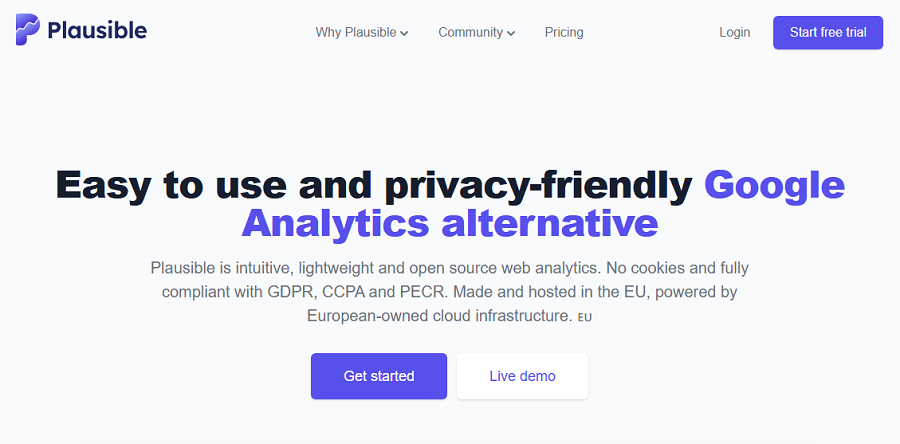
Plausible is a lightweight alternative to Google Analytics. If you’re looking for an open-source analytics platform with a focus on privacy-first tracking approaches, Plausible is one of your best choices.
They have defined their mission to replace invasive analytics methods with ethical, transparent tracking. That’s why you have no cookies, no personal data, and no complex dashboards.
It’s perfect for bloggers, SaaS companies, and subscription-based services that want to protect their users’ data.
Features of Plausible
- Cookie-Free Analytics: You don’t need consent banners.
- Simple Dashboard: You can track key metrics at a glance.
- Goal Tracking: It allows you to track custom events without complexity.
Pricing Plans of Plausible
| Plan | Key Features | Pricing |
| Starter | Up to 10k pageviews | From $9/month |
| Growth | Higher traffic limits | Scales with usage |
Pros of Plausible
- Excellent privacy compliance
- Very fast and lightweight
- Easy for non-technical users
- Open-Source codebase
- Transparency and trust
Cons of Plausible
- Limited historical data depth
- No built-in eCommerce tracking
5. Heap

Heap is a great product analytics platform with a focus on automatic event tracking. Unlike GA4, Heap captures every user interaction by default, so you don’t need to set up events manually.
This GA4 alternative is perfect for SaaS companies, growth teams, and product managers who want deep behavioral insights.
It integrates well with WordPress-based products and membership sites, and is also available for non-WordPress websites.
Heap offers more flexibility in analyzing historical data compared to GA4, making it valuable for site audit and optimization.
Features of Heap
- Automatic Event Capture: You don’t need manual tagging.
- Retroactive Analysis: Analyze past behavior and track your performance.
- Funnels & Retention: Use advanced product insights to improve your sales.
- User Segmentation: Consider behavioral cohorts for targeted content.
- Integrations: Combine it with CRM and marketing tools.
Pricing Plans of Heap
| Plan | Key Features | Pricing |
| Free | Limited sessions | $0 |
| Growth | Advanced analytics | Custom pricing |
Pros of Heap
- No event setup required
- Powerful behavioral analysis
- Ideal for SaaS products
Cons of Heap
- Overkill for simple blogs
- Higher learning curve
6. Jetpack Stats

Jetpack Stats is developed by Automattic, the company behind WordPress.com. It’s designed for WordPress users who want basic traffic insights without complexity.
Jetpack Stats focuses on simplicity and reliability. It’s not a full GA replacement, but for many site owners, it offers exactly what they need: page views, referrers, and popular posts.
Compared to GA4, Jetpack Stats is significantly simpler and integrates directly into the WordPress dashboard.
Features of Jetpack Stats
- Dashboard Integration: View stats inside WordPress.
- Referrer Tracking: Monitor where visitors come from.
- Post Performance: Identify top content to optimize your future strategy.
- Spam Filtering: Accurate traffic counts.
- No Configuration Hassle: Works out of the box.
Pricing Plans of Jetpack Stats
| Plan | Key Features | Pricing |
| Free | Basic stats | $0 |
| Paid Bundles | Extended retention | From $10/month |
Pros of Jetpack Stats
- Extremely easy to use
- Native WordPress integration
- Reliable data
Cons of Jetpack Stats
- Very limited analytics depth
- Not suitable for businesses
7. Slimstat Analytics
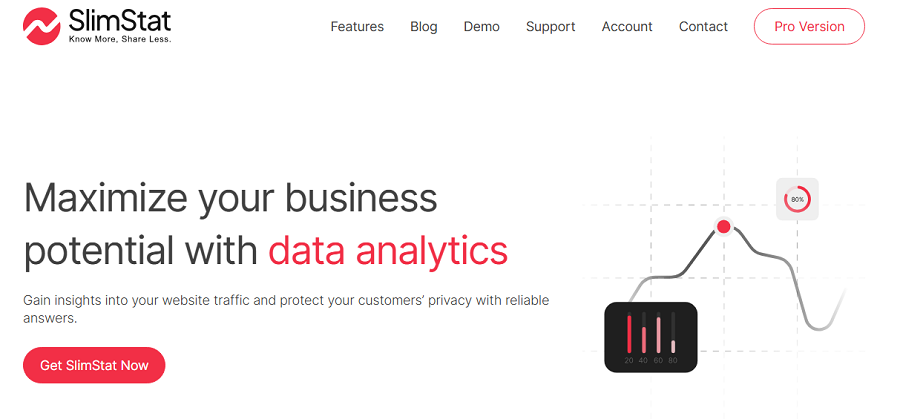
Slimstat Analytics is a self-hosted WordPress analytics plugin that emphasizes privacy and control. All data stays within your WordPress installation, making it an attractive GA4 alternative for regulated industries.
Slimstat is best suited for developers and advanced WordPress users who want detailed tracking without third-party dependencies.
Features of Slimstat Analytics
- Self-Hosted Tracking: You have full data ownership.
- Event & Action Tracking: Monitor user behavior to find frictions.
- Custom Reports: Define custom report advanced filtering.
- Role-Based Access: Control visibility.
Pricing Plans of Slimstat Analytics
| Plan | Key Features | Pricing |
| Free | Core analytics | $0 |
| Premium | Advanced modules | From $48/year |
Pros of Slimstat Analytics
- No external services
- Highly customizable
- GDPR-friendly
- IP Anonymization
Cons of Slimstat Analytics
- Interface is not beginner-friendly
- Can affect performance on large sites
8. Umami
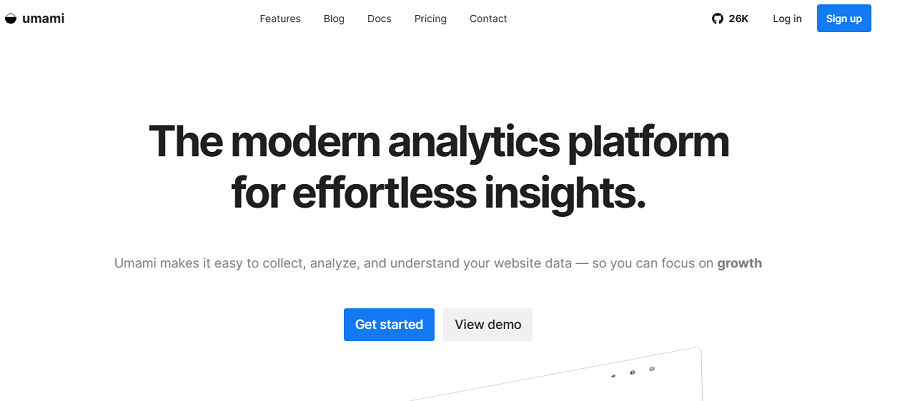
Umami is an open-source, modern analytics platform built for developers and privacy-focused site owners. It offers clean dashboards, simple metrics, and full data control.
Umami is often self-hosted, making it popular among WordPress users who prefer minimalism and transparency over feature overload.
Features of Umami
- Open-Source Analytics: Use a fully transparent platform to gain the trust of your users.
- Simple UI: Use a clean dashboard to track your website’s performance.
- Custom Events: Define custom reports to track interactions.
- Self-Hosting Options: Obtain total control over your data.
Pricing Plans of Umami
| Plan | Key Features | Pricing |
| Self-Hosted | All features | Free |
| Cloud | Managed hosting | From $9/month |
Pros of Umami
- Lightweight and fast
- Developer-friendly
- Clean reporting
- Privacy-first tracking
Cons of Umami
- Limited advanced features
- Requires setup knowledge
9. Woopra

Woopra is a customer journey analytics platform designed for businesses that want to understand users across touchpoints. It goes beyond page views, focusing on lifecycle tracking.
Woopra integrates well with WordPress, CRMs, and marketing tools, making it a strong GA4 alternative for data-driven teams.
Features of Woopra
- Customer Journey Mapping: Track your visitors in the full lifecycle.
- Real-Time Analytics: Monitor your users’ live interactions.
- Automation Triggers: You can set triggers based on behavioral actions.
- Advanced Segmentation: Track your users in detailed cohorts.
- Third-Party Integrations: You can easily integrate it with marketing stacks.
Pricing Plans of Woopra
| Plan | Key Features | Pricing |
| Free | Core analytics | $0 |
| Pro | Advanced journeys | From $999/month |
Pros of Woopra
- Deep behavioral insights
- Excellent for SaaS and funnels
- Powerful integrations
Cons of Woopra
- Expensive paid plans
- Too complex for simple sites
10. Fathom
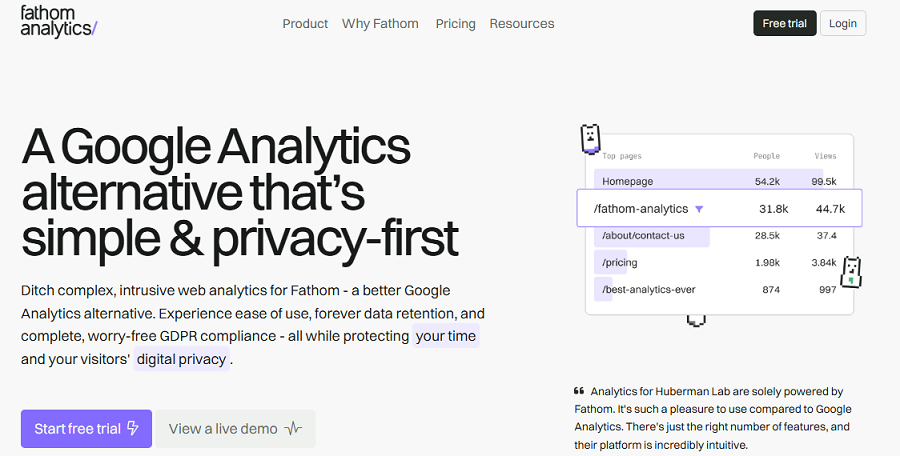
Fathom is a premium, privacy-first analytics tool built for businesses that value compliance and clarity. It focuses on delivering meaningful insights without collecting personal data.
Fathom’s WordPress integration is simple, and its dashboards are designed for quick decision-making, making it a favorite GA4 alternative for agencies and professionals.
Features of Fathom
- GDPR-Compliant Analytics: It doesn’t use cookies or personal data.
- Simple Metrics: Track basic metrics, like page views, referrers, and goals.
- Fast Loading Script: It won’t impact your site’s performance.
- Unlimited Sites: You can choose scalable plans.
- Ad & Blocker Resistant: It offers accurate tracking.
Pricing Plans of Fathom
| Plan | Key Features | Pricing |
| Starter | Up to 100k pageviews | From $14/month |
| Business | Higher limits | Scales with traffic |
Pros of Fathom
- Excellent privacy compliance
- Clean, professional UI
- Reliable tracking
Cons of Fathom
- No free plan
- Limited advanced analytics
Final Thoughts: What’s the Best GA4 Alternative?
Now that you know the best Google Analytics alternatives, it’s time to choose the best one for your business.
Take a look at the following table to compare important features of these tools:
| Tool | Privacy Level | Hosting | Ease of Use | Depth of Analytics | Ideal Site Type |
|---|---|---|---|---|---|
| WP Statistics | Very High | Self-hosted | Very Easy | High | Blogs, SMBs |
| Matomo | Very High | Self / Cloud | Hard | Very High | Businesses, Publishers |
| Clicky | Medium | Cloud | Easy | Medium | Blogs, Agencies |
| Plausible | Very High | Cloud / Self | Very Easy | Low–Medium | Content sites |
| Heap | Medium | Cloud | Hard | Very High | SaaS, Apps |
| Jetpack Stats | Medium | Cloud | Very Easy | Low | Personal blogs |
| Slimstat Analytics | High | Self-hosted | Medium | Medium | Regulated sites |
| Umami | Very High | Self / Cloud | Medium | Low | Developers |
| Woopra | Medium | Cloud | Hard | Very High | SaaS, Funnels |
| Fathom | Very High | Cloud | Easy | Low–Medium | Businesses, Agencies |
To choose the best web analytics tool, you have to consider several factors, including:
- Data ownership: Determine the level of data ownership and privacy you need based on your business.
- Features: You must know what type of metrics you need to track more. For example, like SEO, events, and behavioral metrics need different types of tools.
- GDPR: Your business type impacts your choice because some sensitive industries need strict compliance.
- Simplicity: If you have a technical team, you won’t face problems when working with complex tools. If not, you have to go for simple platforms.
Overall, if you want both cookie-less tracking and accuracy and need an easy-to-use platform, WP Statistics is the best choice for you.
FAQs
What is the best analytics for a WordPress website?
WP Statistics is one of the best WordPress analytics tools. You can trust it as a Google Analytics alternative.
Can you use Google Analytics on WordPress?
Yes, Google Analytics can be integrated into WordPress using plugins like Site Kit.
Why are people moving away from Google Analytics?
Google Analytics comes with some privacy concerns and complexity.
Is WP Statistics good?
Yes, WP Statistics is a good choice for WordPress users who want a privacy-focused alternative to GA4.