

Almost all website owners try to analyze the top queries visitors search on Google to find their site. But many of them ignore the search terms people enter in their search bar on their website.
Table of Contents
This is a great mistake because they lose a direct insight into what exactly people like to find on their website.
In this blog post, we’ll explain why you need to track user searches on your site and how you can use it to improve your site’s UX and navigation.
Benefits of Tracking Search Terms for UX
Tracking search terms on your site gives you important details, like:
- User intent: What people expect to find on your site.
- Content gaps: Topics customers search for, but you haven’t written about.
- Navigation friction: Pages or menus that can’t guide visitors effectively.
- Terminology mismatches: Words visitors use to find something, but you didn’t use for labeling or categorization.
- Optimization opportunities: Pages that would benefit from clearer links, better hierarchy, more robust search-result design, or contextual recommendations.
Best Tools to Track Internal Search Terms on Your Website
Here are the best web analytics tools that offer internal search tracking features:
1. WP Statistics
WP Statistics is a web analytics tool that can track your site’s performance directly from your dashboard.
This plugin doesn’t need third-party tools or cloud services and doesn’t share your website’s data with other platforms. So, if you need a GDPR-compliant analytics tool that doesn’t track people across websites and doesn’t monetize their information, WP Statistics is a great choice for you.
It offers numerous analytics features, including internal search terms that allow you to see what your visitors are looking for.
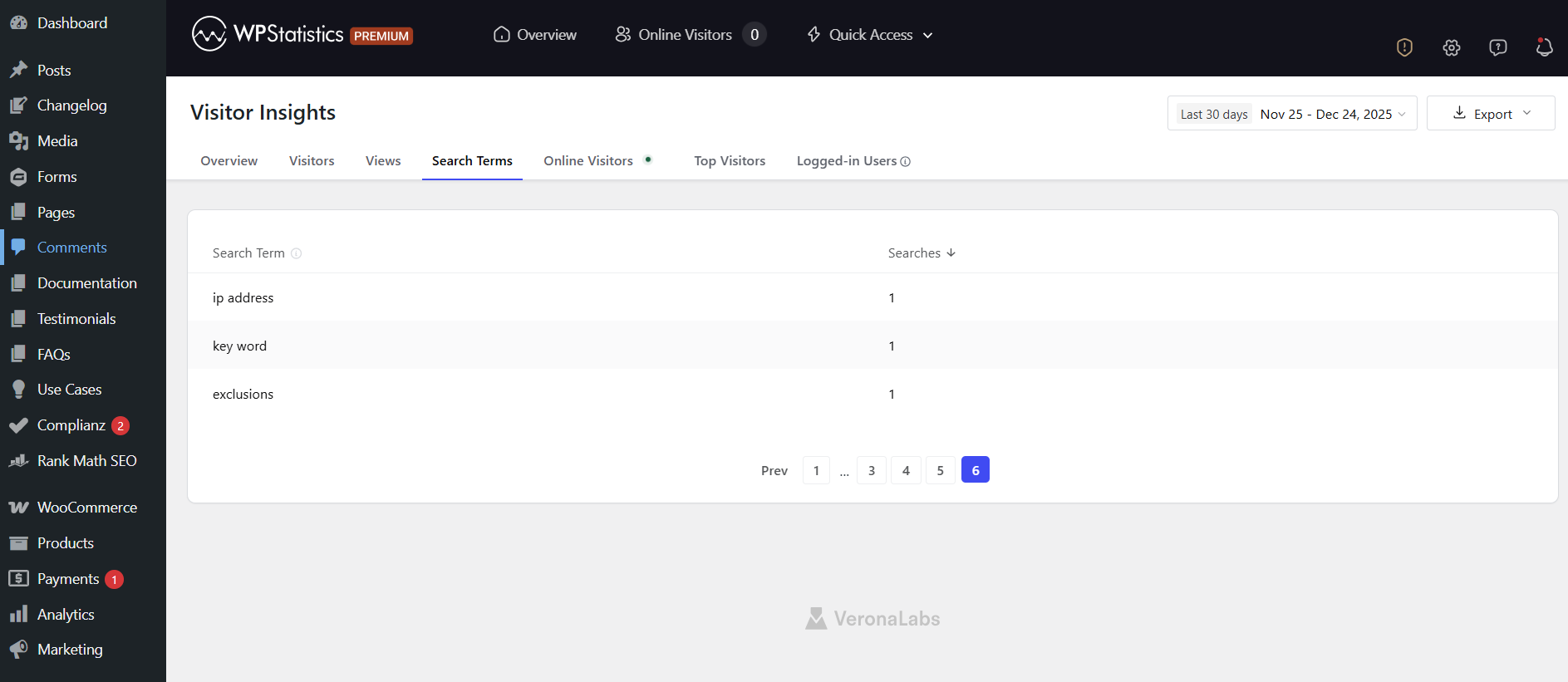
To use this feature, you just need to install the plugin and enable the Data Plugin add-on. Then, you can easily go to your WordPress dashboard and click Visitor Insights under Statistics to see the Search Terms results.
Features of WP Statistics
- Top queries
- Content analytics
- Author analytics
- Campaign builder
- Device analytics
- Location tracking
- Browser tracking
- Real-time analytics
Pros of WP Statistics
- No external data sharing
- Easy setup
- Clear visualization
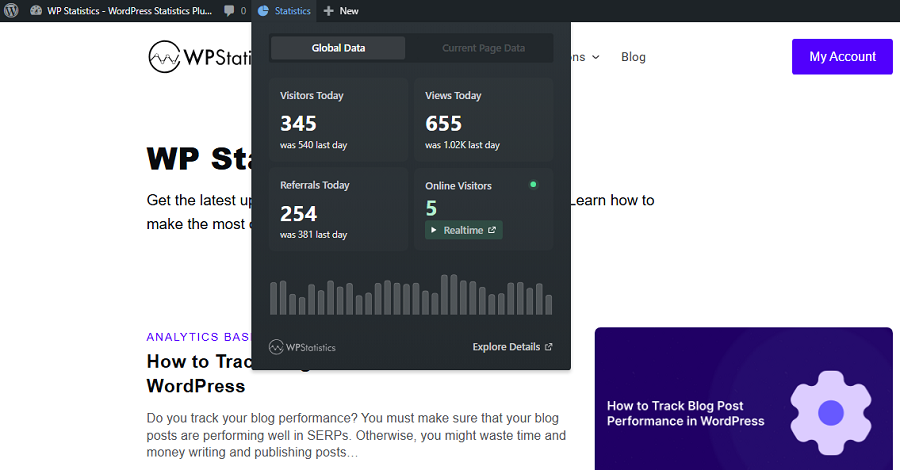
- Summarized analytics as a ribbon
Cons of WP Statistics
- WordPress-only
- Advanced tools need payment
2. Google Analytics
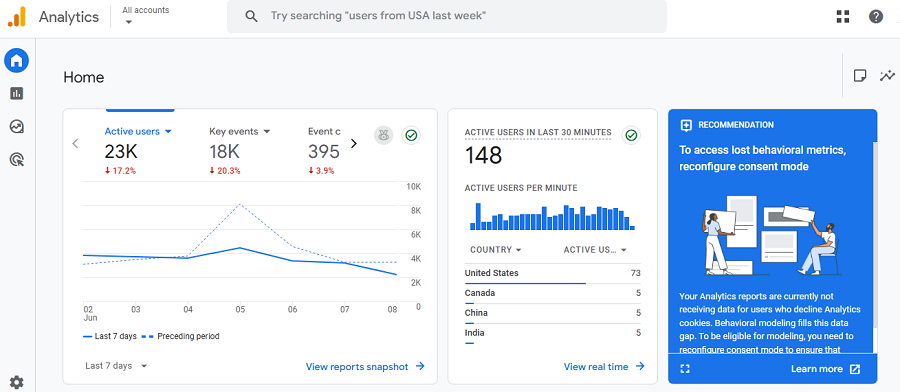
GA4 is the newest version of Google Analytics, which is the world’s most popular web analytics platform.
It’s completely free and offers a complete analytics setup that gives you almost any report you want, including internal search terms analytics.
Although tracking search terms is not a default report on GA4, you can easily set up parameters like ?q= or ?s= and enable it using Enhanced Measurement Settings.
Pros of GA4
- Free
- Accurate
- Customizable
- Integrates well with marketing data
Cons of GA4
- You need a configuration to track search terms
- Complex for beginners
- Not GDPR-compliant by default
3. Matomo
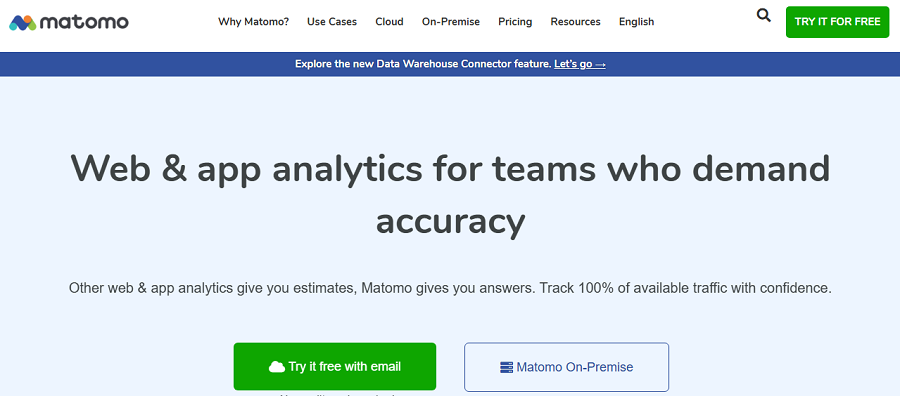
Matomo is an open-source analytics platform that gives you control over your data. It provides a GDPR-compliant platform, which is great for organizations where privacy is important.
It offers a self-hosted option that provides full ownership. Also, it has a cloud-hosted version that simplifies setup for less technical teams.
Matomo has detailed internal search analytics that track every query visitors search on your site. It helps you identify missing content, navigation friction, and other problems on your site.
Features of Matomo
- Internal search tracking
- Visitor and page analytics
- Goal tracking
- Conversion funnels
- Self-hosted or cloud-hosted options
Pros of Matomo
- Fully GDPR-compliant
- Flexible reporting and analytics
- Control over data storage
Cons of Matomo
- Technical setup for self-hosting
- Paid cloud plans
4. Adobe Analytics
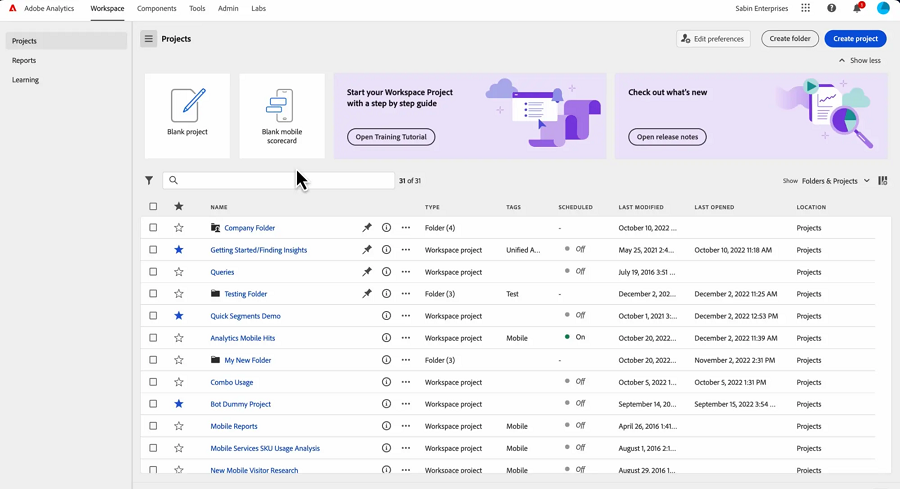
You must have heard the name of Adobe, but did you know it offers a great analytics tool? It provides advanced tracking features, including internal search behavior analysis and insights into overall visitor engagement.
It allows you to track every search query and monitor search result performance. Also, you can segment users based on search activity to have a better understanding of your visitors.
Adobe Analytics uses AI-driven analysis to help you recognize patterns and predict user needs to optimize your content.
Features of Adobe Analytics
- Internal search analytics
- Segmentation
- Conversion tracking
- Path analysis
- AI-driven insights
- Integration with Adobe Experience Cloud
Pros of Adobe Analytics
- Advanced, powerful analytics
- Deep insights
- Large-scale websites
- Predictive capabilities
Cons of Adobe Analytics
- Expensive
- Complex setup and learning curve
How to Enhance UX with Internal Search Insights
Now, let’s see how you can use the results of internal search analytics to improve your website’s performance:
1. Remove Navigation Problems
Imagine you’ve covered specific keywords and published good content about them. However, you see that users consistently search for them. This is a strong signal about navigation problems.
To solve this, you can take several measures, including:
- Moving links to high-demand content on your homepage.
- Renaming categories using search terms users enter in your address bar.
- Adding popular topics to menus, footer navigation, or sidebar lists.
2. Improve Your Content
Your site’s search logs highlight what your users expect to read. If you see a content gap, you have to cover and audit previous ones.
Here is what you can do:
- Create new pages for commonly searched terms that you’re not currently covering.
- Audit and expand weak content related to high-search terms.
- Create new clusters about searched terms to make searching easier for users.
3. Upgrade Your Search Functionality
As you know, internal search engines are basic and can’t compete with Google. If you see a high search volume on your website, you can think of improvements, like:
- Add featured results for popular queries
- Highlight related content
- Include filters, categories, and sorting
- Refine ranking rules to prioritize the most relevant pages
4. Use Visitor Language in Tags and Content
Users don’t use exact keywords when searching. So, it’s good to analyze search terms on your website and use high-volume keywords to use for tags, titles, and content.
Using real visitor language in headings, menus, FAQs, and product descriptions helps with faster navigation.
Conclusion
Apart from the top queries your visitors search on Google and other search engines, you need to track top search terms on your internal search feature.
The result is much more useful for UX design and optimizing the navigation. Fortunately, tools like WP Statistics give you insights into what your users search for on your site.
If you combine this result and other metrics like top pages, ranking keywords, and traffic, you find strengths and weaknesses to improve your website.
So why wait? Start your tracking journey using WP Statistics and figure out what your visitors want.
FAQs
How to check the most searched terms?
Analytics tools like WP Statistics offer an internal Search Terms analysis feature. This helps you track your most searched terms.
What are examples of search terms?
For example, many people might use words like wages, income, or earnings instead of salary. So, you need to cover these search terms in your content, tags, titles, categories, etc.
What are the 3 C’s of SEO?
The 3 C’s of SEO are Content, Code, and Credibility:
– Content: relevant and useful information.
– Code: Technical SEO and site performance.
– Credibility: Authority signals like backlinks and trust.
What are the 4 types of search intent?
Informational, commercial, navigational, and transactional.